
One flight-command path
Keyboard, touchscreen and supported physical-controller input converge in Drone Horizon's normalized flight-input layer. The aircraft physics reads the resulting flight commands. This lets the game interpret different devices without adding a second set of drone movement rules for each one.
A normalized path does not mean every accessory is compatible. The operating system and backend must expose usable axes or buttons first. The controller table records current validation limits.
Separate device binding from stick layout
Hardware binding identifies which reported input drives a command. Stick mode arranges throttle, yaw, pitch and roll across the two physical sticks. The current menu offers Mode 1, Mode 2, Mode 3 and Custom. Conventional Mode 4 can be reproduced through custom assignments; it is not a named built-in preset.
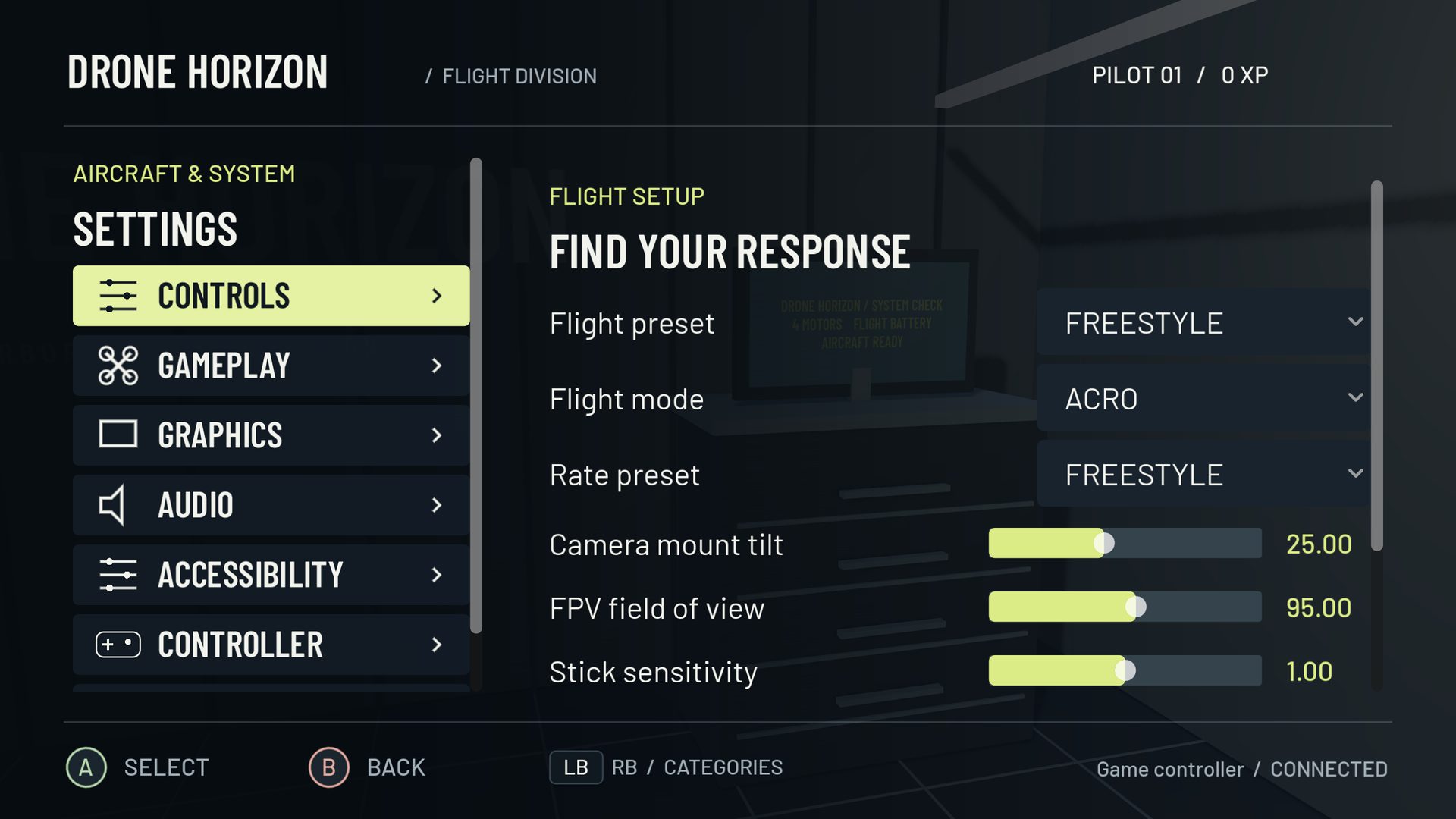
Custom profiles support channel assignment and response choices, including inversion, dead zones and curves. Touch layouts can also be adjusted. Inspect the final processed channels after editing either layer so a radio-side mix and an in-game mapping do not accidentally combine.
Calibrate the device you actually connected
The hardware system records neutral and travel information, including asymmetric endpoints. Sweep the sticks slowly and verify intermediate values. A familiar name or a large raw-input panel does not establish that every physical control is exposed: the panel shows backend slots, not a decoded census of arbitrary HID reports.
Bind arm/disarm and reset before flying. Other available actions include camera, gimbal, flight mode and configurable game functions. Exposed switch axes can use axis-switch bindings, which are different from ordinary analog flight axes.
Save a useful baseline
Named hardware profiles preserve mappings, calibration and response settings for a device context. Flight-style and aircraft choices remain separate concepts. Connecting hardware should not silently become a claim that it selects a different physical aircraft model.
A practical profile name identifies the device and layout. After saving, reconnect and recheck the four commands while grounded. Repeat when changing USB/Bluetooth transport or platform because identifiers and mappings can differ.
The controller-guides hub provides a setup order and troubleshooting path. Use the stick-mode table when matching an existing transmitter layout, and tune rates only after raw input and calibration are correct.