
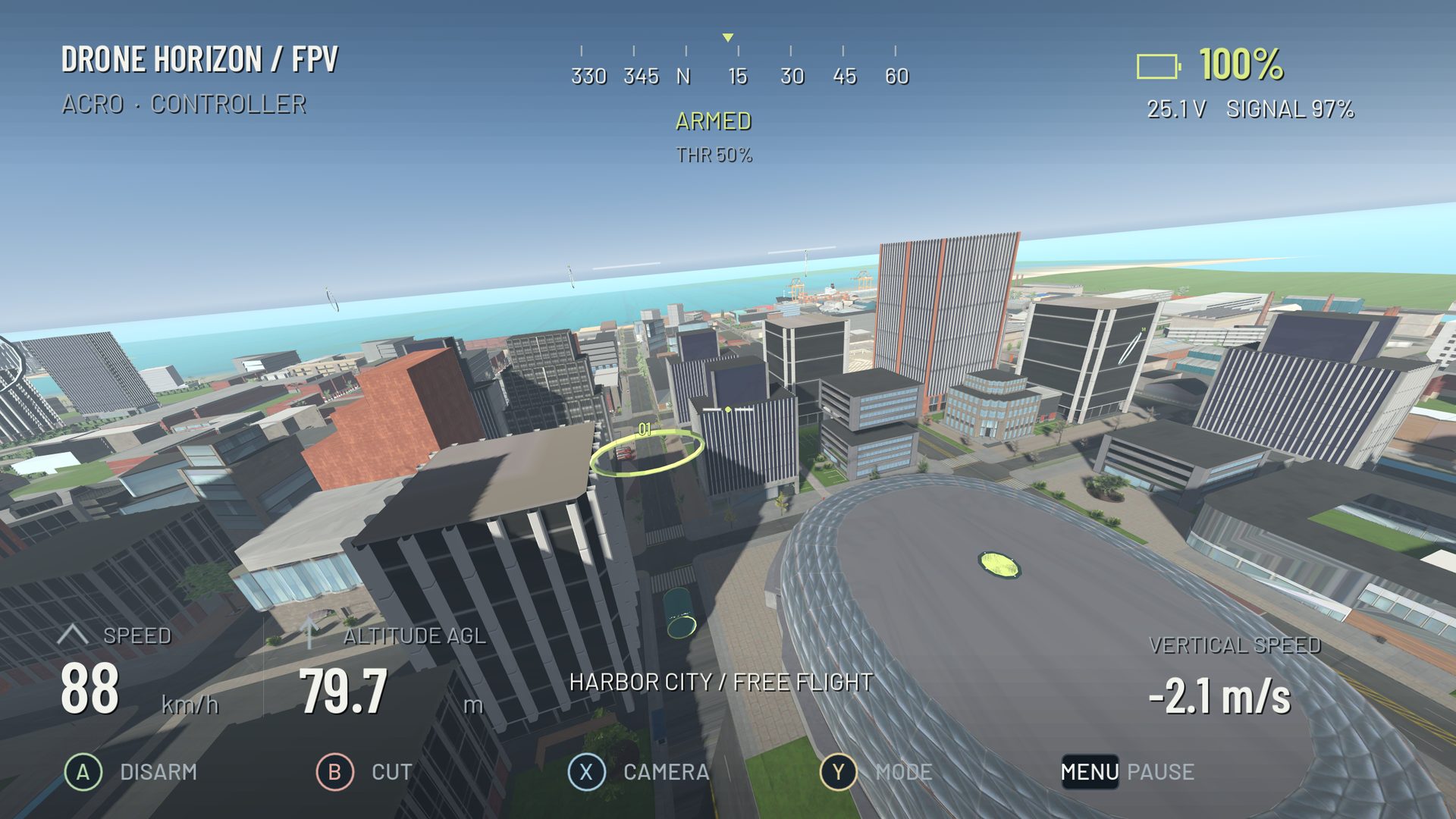
An MFi-compatible controller can work with an Apple-device drone simulator if the device, operating system and application all support the relevant game-controller input. Pairing is only the first layer. The simulator must also receive the axes and map them to flight commands.
Drone Horizon's Apple/MFi support is not currently a completed hardware acceptance result. The project contains iOS export configuration and controller-related declarations, but that is different from a verified public Apple build. The current status is listed in the controller compatibility record.
Three compatibility questions
First, can the Apple device connect to the controller? Second, does the operating system expose the controls through a supported game-controller interface? Third, does the simulator correctly use them? A yes to the first question does not answer the other two.
Apple's game-controller support documentation describes discovering supported controllers. Some familiar Xbox and PlayStation controllers also work with Apple devices; MFi should not be used as a loose label for every Bluetooth accessory.
Gamepads and FPV radios are different cases
A standard gamepad usually exposes a predictable collection of sticks, triggers and buttons. An FPV radio may expose a USB joystick interface with arbitrary channel ordering. Apple support for one does not establish support for the other.
Check the specific simulator's connection instructions. Some products provide their own radio transport rather than relying on generic USB input. For example, VelociDrone's mobile documentation describes product-specific wireless transmitter options on iOS. That is evidence about VelociDrone's implementation, not a feature of Drone Horizon.
What to test in an available Apple simulator
| Stage | Useful observation |
|---|---|
| Connection | Controller is paired or attached successfully |
| Detection | Simulator displays the intended device |
| Axes | Four flight commands move independently and continuously |
| Calibration | Centers and both travel endpoints are usable |
| Actions | Arm, reset and menu controls do not conflict |
| Resume | Input behaves correctly after backgrounding or reconnecting |
Test with the aircraft grounded. Pay particular attention to spring-centered throttle, because a centered gamepad stick is not automatically minimum collective in a manual FPV model. A gamepad can navigate menus perfectly while its flight axes remain incorrectly assigned.
What the Drone Horizon source establishes
The project has a shared normalized flight-input layer and named controller profiles. It also has an iOS export preset. The recorded project audit says Apple build and physical-controller acceptance remain pending. This review did not launch, build or sign the game, so it does not change that status.
Accordingly, the website should not say “tested on iPhone” simply because the same input architecture runs elsewhere. Nor should a working browser controller demo be presented as proof of the native app: browsers and native applications use different interfaces.
Decide based on the actual training setup
Before choosing software or accessories, identify your exact device, controller and intended transport. Read the current simulator requirements and check that manual axis mapping is available if the layout is unusual. If your goal is eventual radio-based FPV practice, consider the mechanical and connection differences described in gamepad vs radio.
The useful question is not whether Apple devices can ever run controller-based simulation. It is whether your particular application and hardware combination has a demonstrated path from connection to controlled flight.