
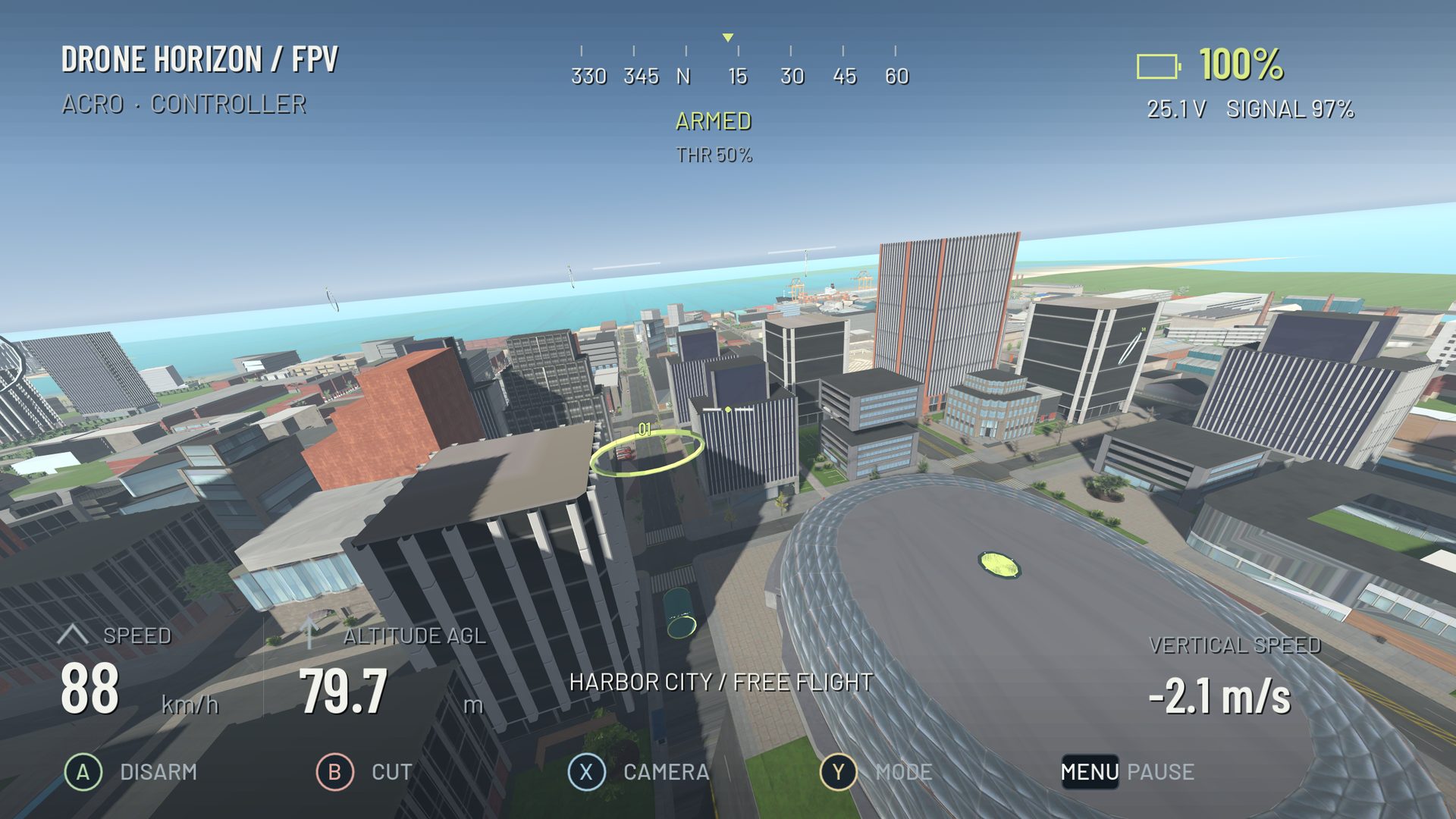
Yaw turns the aircraft around its vertical body axis. It changes where the nose points; it does not instantly erase sideways motion or redirect an existing flight path. That distinction explains why a drone can face a gate while continuing to drift past it.
Start yaw practice by separating heading, bank and travel direction. In a hover they can look almost like the same problem. In forward flight, especially with the aircraft banked, they are different pieces of a turn.
Verify the direction of rotation
Use the live controls display while disarmed. Move only the yaw axis and confirm a smooth response. Then, in a clear simulator area, make a gentle right-yaw command and watch the nose rotate right in an outside view. In FPV, the scenery moves in the opposite direction across the screen because your viewpoint is rotating.
If the response is reversed, fix inversion in the input configuration. Do not learn a compensating hand movement. When a controller already has a custom radio mix, check that you have not reversed the channel at two different stages.
Exercise 1: stop on a landmark
Choose an obvious distant feature. Take off with enough simulator space to recover from a small drift. Rotate slowly toward the landmark and center yaw before it reaches the middle of the screen. Let the aircraft settle, then correct with a small movement rather than a full opposite sweep.
Repeat in the other direction. Your objective is to control the beginning and end of the rotation. If you keep crossing the target, lower your input size before changing the rate profile. A faster maximum rate is irrelevant when the difficulty is stopping a small turn.
For manual FPV, continue managing throttle and attitude throughout. Yaw practice is not an automatic hover exercise unless you deliberately selected a stabilized flight style.
Exercise 2: compare nose direction with the path
Fly slowly along a broad straight route, then add a small yaw input without deliberately rolling. Observe the scene: the view turns, but the aircraft may continue moving along its previous path. Recover in open space and repeat with a shallow coordinated bank.
This comparison makes a common gate mistake visible. Pointing the camera into an opening is only useful if the aircraft's trajectory also leads through it. The racing line guide develops that distinction with two consecutive gates.
Add yaw to a banked turn
Once you can start and stop heading changes, fly a broad left turn with a small bank. Add yaw gradually to keep the nose oriented along the intended route. Remove the bank and yaw as you exit. Repeat to the right using the same entry speed.
There is no universal roll-to-yaw stick ratio. Aircraft attitude, camera tilt and desired path all affect what the pilot sees. Copying an exact ratio from a different setup can produce a sideways slide or an over-rotated exit.
| Symptom | Check first |
|---|---|
| View rotates but path barely changes | You may be using yaw without the needed bank |
| Aircraft rolls while yawing on the ground display | Axis mapping or radio mixing |
| Heading oscillates around a target | Excessive correction size or center sensitivity |
| Turn loses height | Throttle coordination, not just yaw |
Keep settings changes traceable
Drone Horizon offers per-axis response settings, so you can make yaw more deliberate without changing pitch and roll. Save a baseline first, change one setting and repeat the same landmark drill. For camera-led practice, compare the FPV and stabilized camera behaviors rather than assuming all views follow the body identically.