
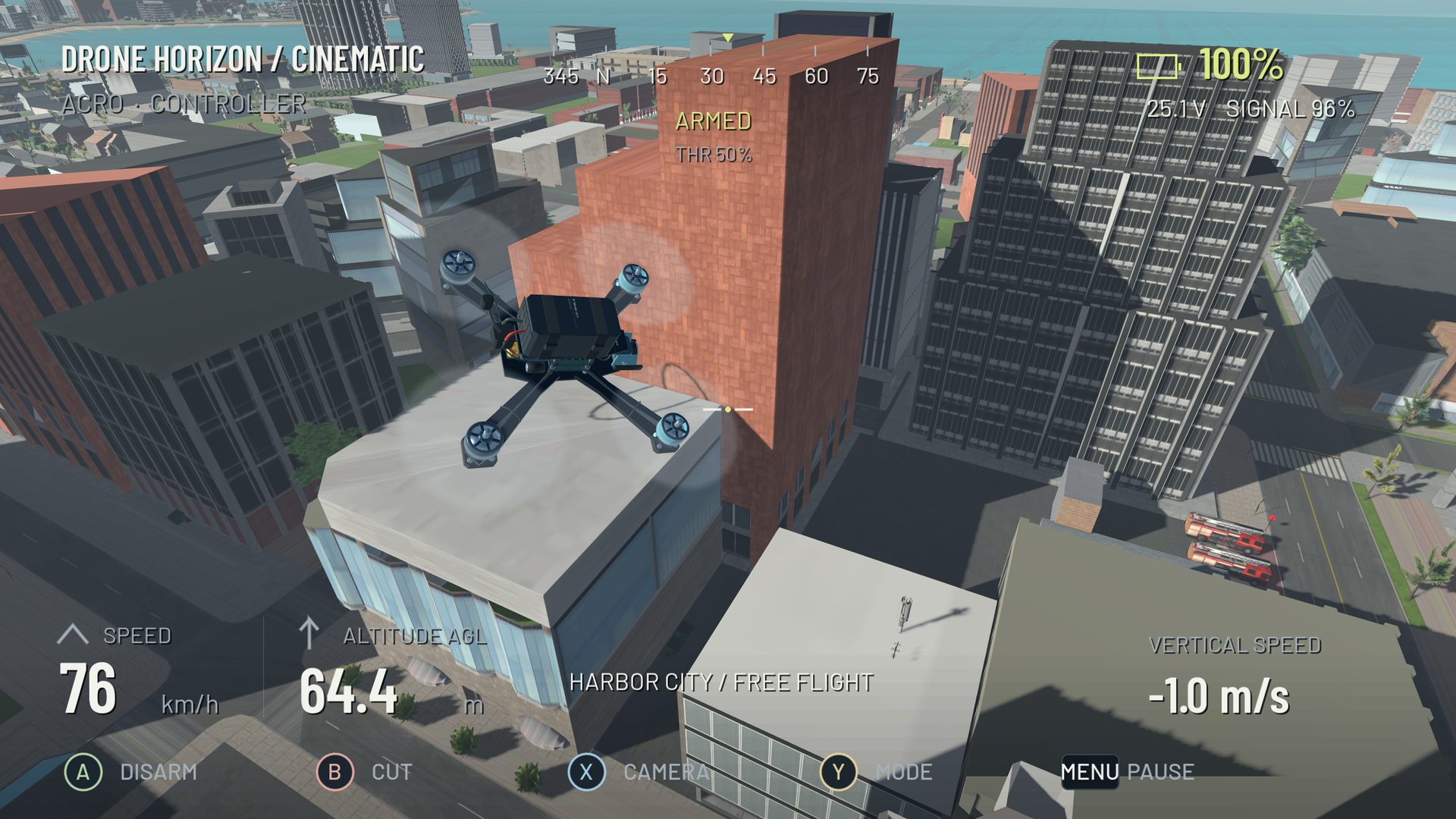
Follow the chain from command to movement
A useful physics explanation begins with what the pilot requests, how the controller interprets that request and what the motors can produce. The aircraft then responds to forces, torque, gravity, airflow and contact. Camera movement is the view of that process, not the process itself.
Start with thrust, torque and inertia. It explains why pitch and roll redirect thrust, why body layout matters and why an aircraft keeps moving after an input ends. Then compare wind and momentum to understand ground-relative and air-relative movement.
Pick a question you can observe
| Question | Signals or behavior to inspect |
|---|---|
| Why does it keep moving with centered sticks? | Flight family, body attitude and velocity |
| Why does a corner lose height? | Bank and upward thrust component |
| Why did it overshoot? | Entry trajectory, correction timing and actual response |
| Why did a gate pass fail? | Order, direction and collision versus crossing |
| Why did the same throttle feel weaker? | Aircraft condition and battery state |
The overshooting guide uses these distinctions to separate a line-planning problem from an input or response problem. The collision guide separates visible scenery, physical contact and damage rules.
What the Drone Horizon model contains
Verified systems include individual motor forces, reaction torque, explicit inertia, spool response, drag, battery-dependent output and collision damage. Manual and stabilized control families feed the aircraft model in different ways. The current physics precision options are 120, 250 and 500 Hz, separate from display frame rate.
These implementation details are useful evidence of what the simulator calculates. They are not measured proof of matching a particular real aircraft or a reason to describe bounded wake/ground-effect approximations as computational fluid dynamics. Read the model feature page for that boundary.
Run a small comparison
Save a profile and choose one maneuver. Keep the camera, input layout and conditions stable. Repeat the task, then change one variable: aircraft, wind setting or response parameter. Return to the baseline afterward so the comparison includes more than the effect of practice.
Use telemetry and blackbox to compare raw input, requested rates, actual rates, motion and motor output. A short record with a known event is more interpretable than a long data file with no specific question.
Connect understanding back to the sticks
Physics knowledge is useful when it changes what you do next: begin braking earlier, add collective as bank develops, or fix calibration before changing rates. The controls path and racing path turn those explanations into practical simulator exercises. Real-aircraft operation still requires its own equipment, conditions and safety judgment.