
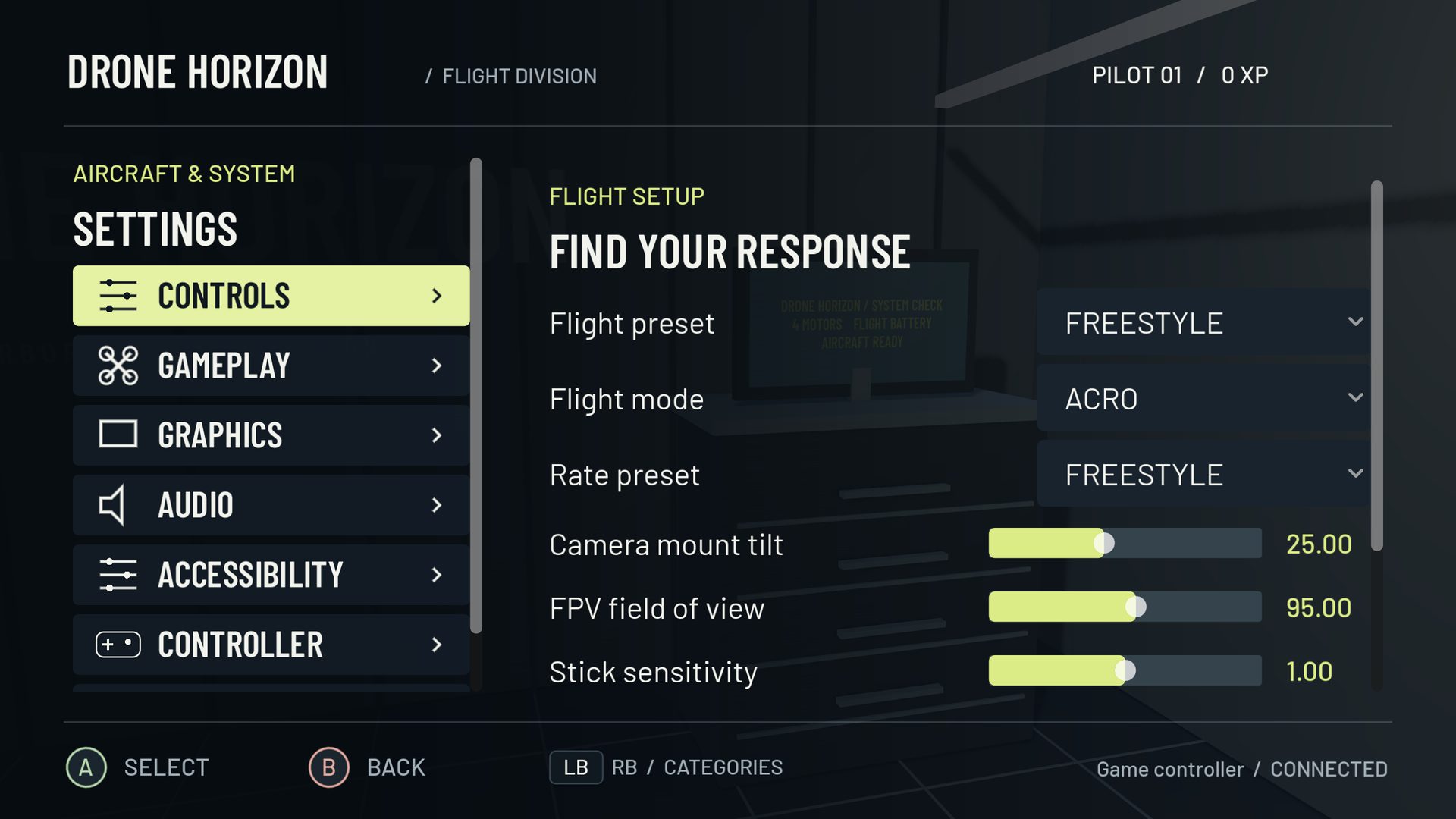
FPV rates describe how stick position becomes a requested rotation speed. In Acro, a larger pitch, roll or yaw input usually requests faster rotation. Rates are about angular movement, commonly expressed in degrees per second; they are not a limit on forward speed in metres per second.
A useful rates setup gives you enough precision around center for ordinary corrections and enough outer-stick authority for the maneuvers you want to practice. The best place to start is a predictable preset, not a professional pilot's unexplained numbers.
Read the curve in three places
Look at the center, the middle of travel and the endpoint. Near center, the curve's slope determines how strongly small movements affect the rotation command. At the endpoint, the curve shows the maximum requested rate. The transition between them determines whether the sticks feel progressive or suddenly accelerate late in their travel.
A maximum of 360 degrees per second would request a full rotation in one second at sustained full input in an ideal steady response. That is a mathematical interpretation, not a promise that an aircraft instantly reaches the target: motor authority, control response and available time matter.
Match the model before copying settings
Drone Horizon implements Legacy Horizon, Actual and Betaflight rate models. Their parameter names and equations are not interchangeable. Its Actual controls expose center sensitivity, maximum rate and expo; the Betaflight model uses RC Rate, Super Rate and expo. The simulator also limits requested rates.
Betaflight's rate documentation explains the distinction between rate models. If importing a familiar setup, copy the model as well as the axis values. Similar-looking numbers from different models can produce very different curves.
| Setting family | Main question it answers |
|---|---|
| Calibration | Does physical travel reach the intended input range? |
| Dead zone | Which small center movements are ignored? |
| Rates and expo | What rotation command does an accepted input produce? |
| PID/control response | How does the aircraft try to achieve that command? |
| Camera tilt and FOV | How does the motion look from the camera? |
Tune around a task
Save your current profile and choose one exercise, such as a broad figure eight. If small corrections feel abrupt, examine center sensitivity and the near-center curve. If a deliberate full roll takes too much stick time, examine the maximum rate. If response feels mild for most travel and suddenly fast near the edge, inspect expo and Super Rate together.
Change one value, repeat the exercise in both directions and compare the result. Avoid changing camera angle at the same time: a new view can make unchanged body movement feel faster or slower.
Do not use rates to hide a mapping fault
An axis that reaches its endpoint halfway through physical travel may be miscalibrated. Lowering maximum rate makes the aircraft less aggressive, but it leaves half the stick wasted. An axis that moves another channel needs remapping, not a softer response curve.
Likewise, oscillation after a stick has settled is a different problem from deliberately commanding rapid alternating rotations. The telemetry guide explains why requested and actual rates are useful separate signals.
A sensible stopping point
Keep a rates profile once you can make fine corrections, stop a rotation deliberately and recover with room to spare. Consistency gives your hands time to learn the response. Use expo and RC Rate vs Super Rate for targeted refinements rather than endlessly replacing the whole setup.