
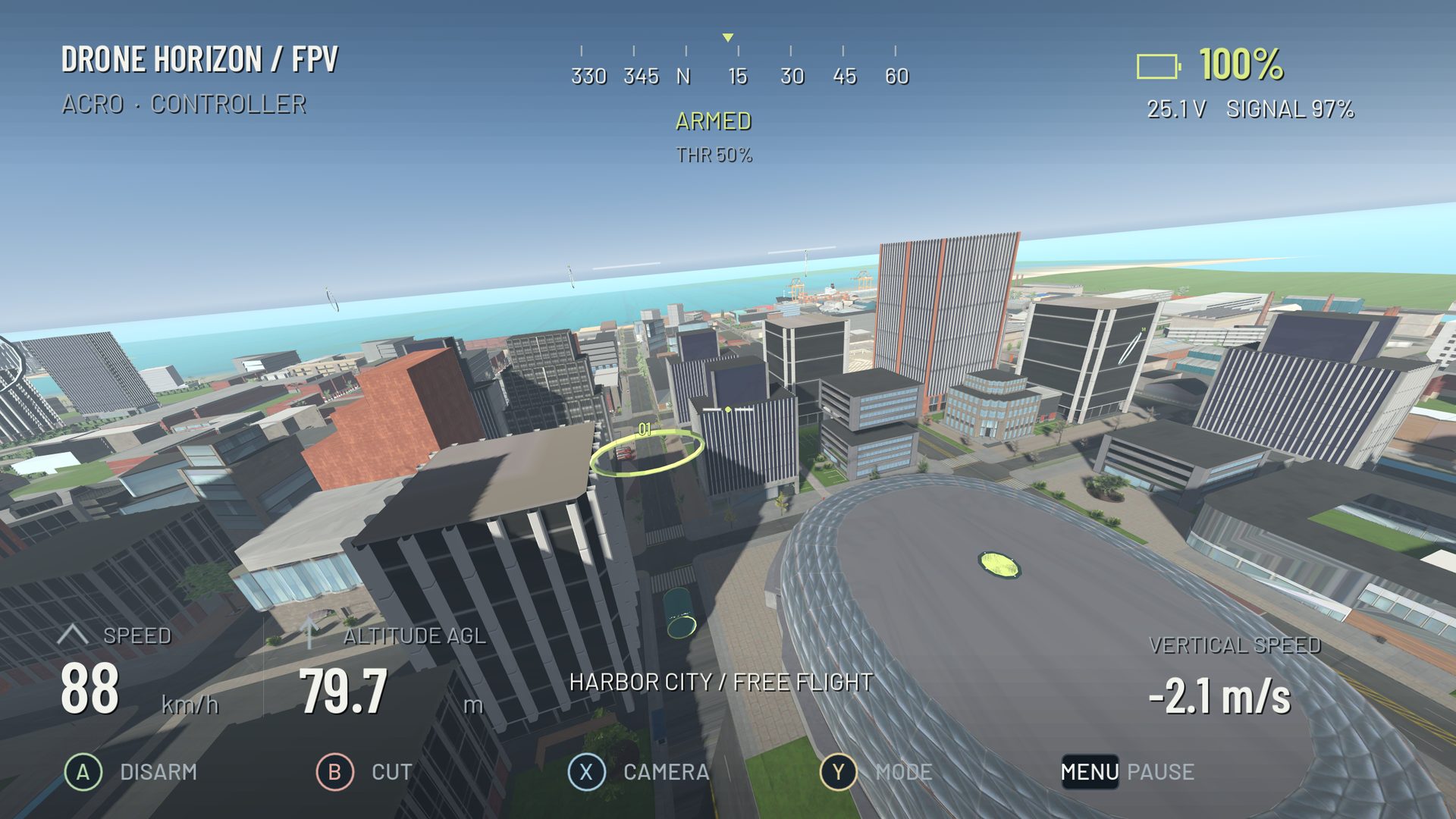
Yes, a drone simulator can use an Xbox-style controller when the operating system exposes its sticks and buttons through a supported gamepad interface. The simulator still needs a usable mapping, calibration and continuous throttle input. Compatibility belongs to a particular controller, connection and platform combination.
For Drone Horizon, a standard Xbox-style layout and configurable gamepad input are implemented. Current hardware acceptance is not complete for every model or platform. Check the compatibility table before treating that implementation as a tested-device promise.
What a gamepad is good for
Two analog sticks can teach the relationship between the four flight axes. A compact controller is also convenient for short practice sessions. You can work on orientation, broad circuits and the difference between Angle and Acro without first learning a full transmitter menu system.
The main limitation is mechanical: gamepad sticks are short and spring-centered. Small thumb movements can occupy a large fraction of travel, and manual throttle does not remain where you left it. These differences matter more than whether the buttons use familiar letters.
A practical Mode 2 setup
Use left vertical for throttle, left horizontal for yaw, right vertical for pitch and right horizontal for roll. Bind arm/disarm and reset somewhere you can reach without disturbing the sticks. Then calibrate the axes and check direction while grounded.
Do not assume an Xbox-looking controller uses Microsoft's standard mapping in every mode. Third-party hardware may have separate PC, Android or other connection modes. The displayed device name and changing raw values are more useful than the shape of the plastic shell.
Avoid the centered-throttle surprise
In manual FPV, the middle of a spring-centered throttle stick can request motor output. Releasing your thumb does not mean “stop climbing,” and it does not disarm. Start at minimum throttle, raise it deliberately and lower it deliberately on landing.
Drone Horizon's DJI-style stabilized flight has different vertical-control semantics. It can be useful for camera-drone practice, but selecting it changes the control task. Use the manual throttle guide when your goal is learning FPV collective management.
USB and Bluetooth need separate checks
A working USB profile does not establish that Bluetooth exposes identical axis identifiers or behavior. Pair or connect using the manufacturer's instructions, confirm the OS detects the device and repeat the live-input sweep after changing transport. On supported Apple devices, Apple's controller connection guide describes system-level pairing; it does not certify Drone Horizon's pending Apple build.
If another application is translating controller input, watch for duplicate devices or doubled actions. Temporarily simplifying the mapping path is more useful than adding another remapper without knowing which layer is failing.
When to move to an FPV radio
If your main objective is practicing with the transmitter you will use outdoors, matching its stick length, throttle feel and layout can reduce the later mechanical adjustment. That is a training reason to consider a radio, not a claim that a gamepad cannot teach basic control.
Start with the hardware you can configure correctly. Use gamepad setup, keep a saved profile and judge progress by controlled flight rather than controller price or brand.