
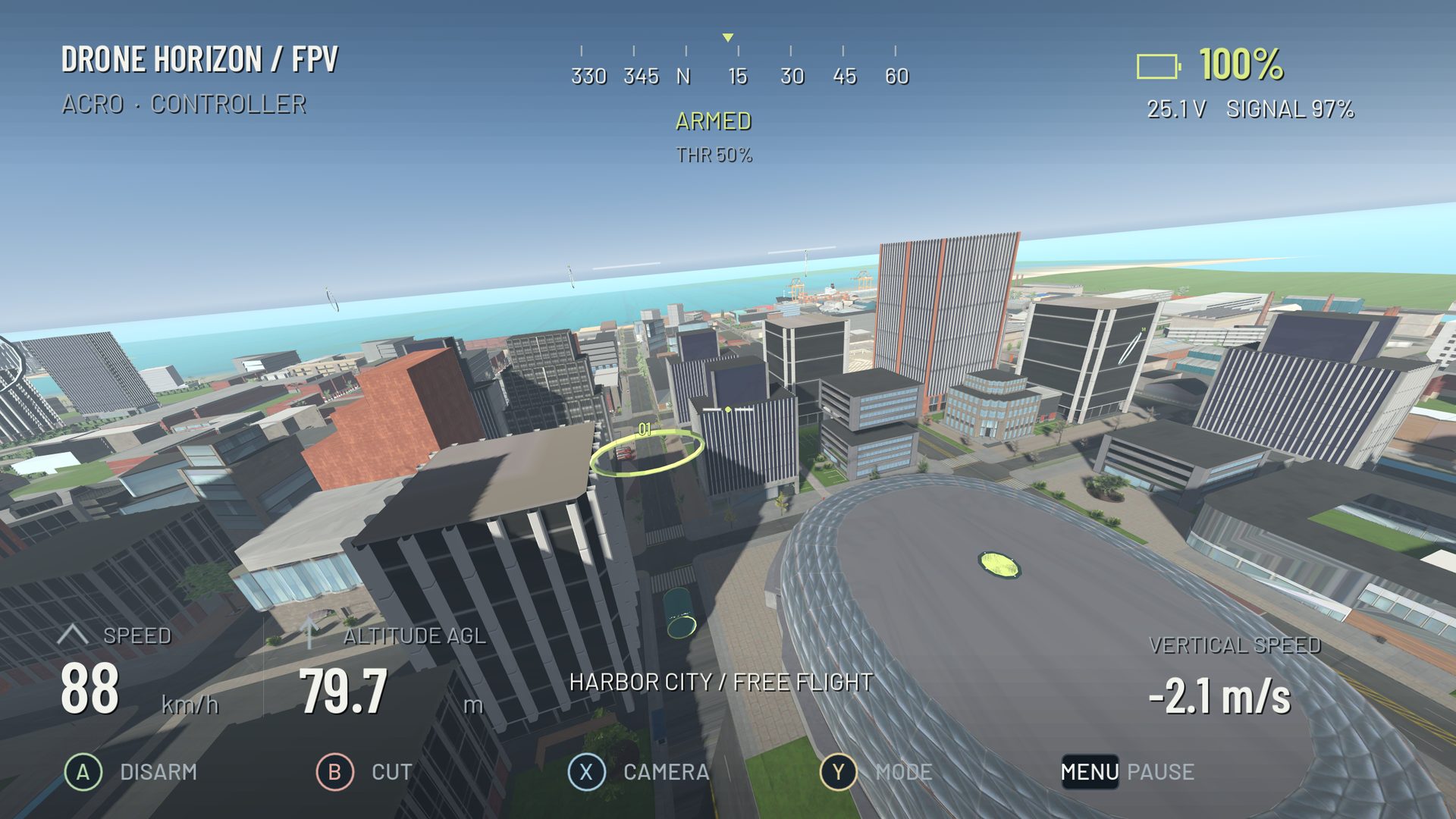
Pitch tips the nose up or down. Roll banks the aircraft left or right. Both redirect the thrust produced by the motors, so they influence movement as well as orientation. The difficulty is rarely remembering their names; it is making a useful attitude change and stopping that change at the right time.
The flight mode determines what a held stick means. Angle requests an attitude within its limit. Acro requests rotation speed. In Acro, a short roll input can establish a bank that remains after you center the stick. A second, opposite input is needed to remove it.
Begin with straight-line pitch control
In a simulator's open space, take off and establish a manageable height. Pitch forward gently until the aircraft begins moving. In Acro, center the pitch axis after setting the tilt rather than holding it forward continuously. Observe how the aircraft can keep accelerating with the nose down even though the stick is centered.
Recover toward level with a brief opposite input. Level attitude does not instantly stop forward travel. Allow space for a separate braking phase. Repeat with the same aircraft and camera angle until you can recognize the difference between rotating the body, holding a tilted body and moving through the world.
Build a bank without tightening indefinitely
Choose a broad curve around a visible landmark. Enter slowly and apply a small roll input. Stop adding bank once the turn starts developing. If you hold a roll command in Acro, the aircraft keeps rotating instead of settling into one bank angle.
Coordinate throttle as the thrust vector tilts, and use yaw to point the nose along the route. The right action depends on what the aircraft is doing, not on a memorized stick shape. Read yaw control if the camera faces the route but the aircraft slides away from it.
Treat the exit as part of the turn
A useful corner finishes with a predictable heading, bank and height. Before reaching the exit, begin removing the bank. Reduce the yaw command as the nose aligns with the next straight. Adjust pitch for the desired exit speed and ease out any extra throttle added during the corner.
This sequence overlaps in real flight. Learn it slowly enough that you can name each correction. Practicing only the entry teaches you to start a turn but leaves the next gate to chance.
| Observation | What it suggests |
|---|---|
| Bank increases throughout the corner | Roll is still commanding rotation |
| Turn opens out while nose keeps rotating | Heading and trajectory are not coordinated |
| Straight-line speed keeps building | Forward tilt remains after the pitch stick centers |
| Exit includes a sudden climb | Bank removed while extra throttle remains |
A repeatable rectangle drill
Mark four generous corners using distant scenery. Fly the same rectangle three times clockwise and three times counterclockwise. Keep the practice speed low and leave enough room to abort a turn. Count clean exits: an exit is clean when you reach the next straight without an abrupt correction or unexpected height change.
If one direction is consistently worse, repeat that corner alone. Do not compensate by changing all three axis sensitivities. A control-input overlay can reveal whether your thumb adds pitch while trying to roll; that is a coordination issue rather than an aircraft defect.
Applying this in Drone Horizon
The manual flight modes share the same motor-driven aircraft physics. Keep the map and airframe unchanged while comparing Angle with Acro. Custom profiles can help match your physical controller, but calibration should come before a technique drill. Once the rectangle is repeatable, progress to figure eights and smooth turns.