
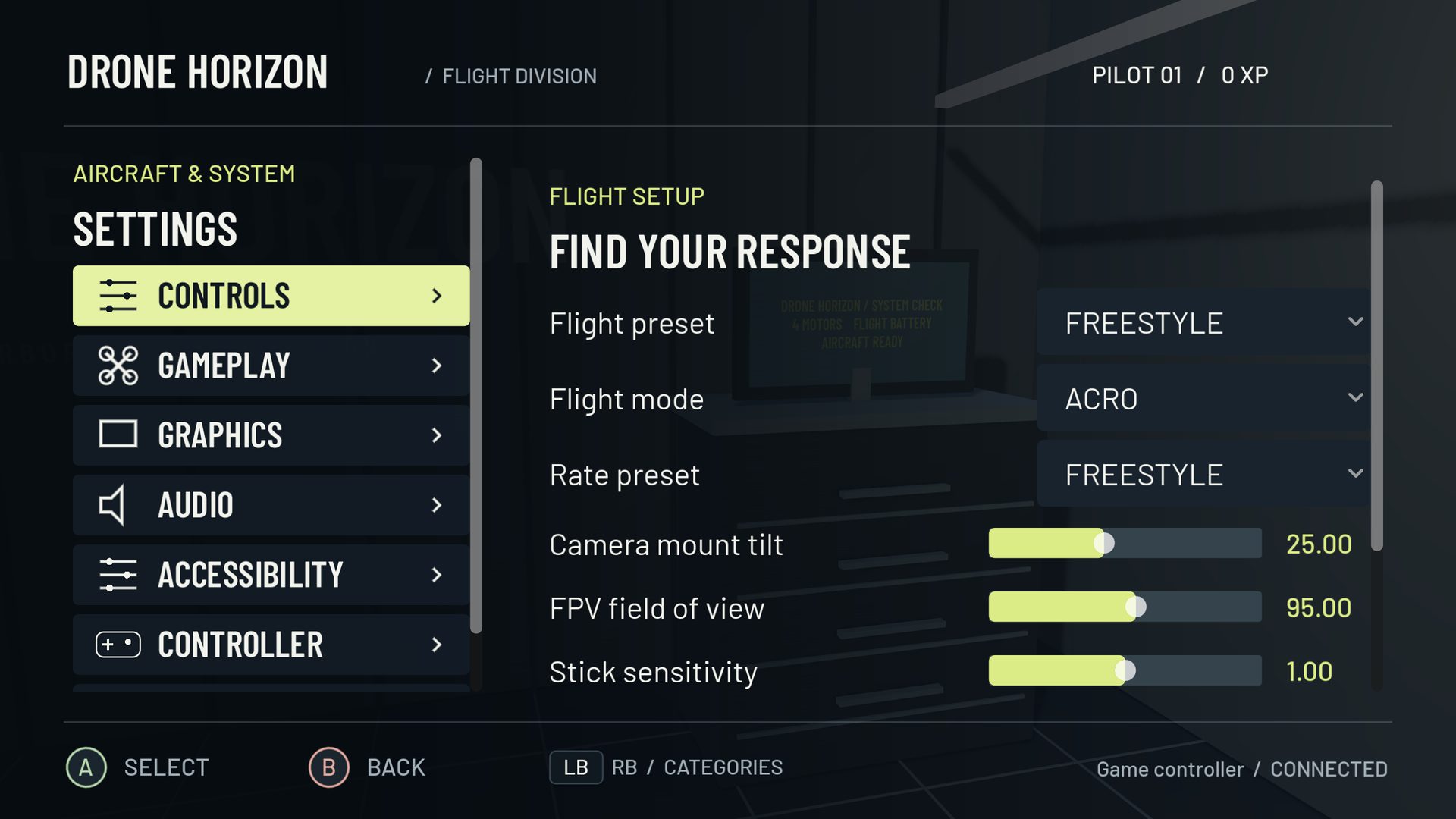
“DJI controller support” is too broad to be a useful compatibility claim. Different DJI remotes have different connection paths and software expectations. A simulator needs actual changing stick data, not merely a recognizable USB name.
For Drone Horizon, the priority target is DJI FPV Remote Controller 2 connected by USB-C data cable to a PC. The recorded project audit did not have this controller attached, so current support remains unverified. No successful detection or flight test is claimed here.
Flight style does not certify hardware
Drone Horizon includes a DJI-style stabilized camera-drone flight family. It provides Cine, Normal and Sport behavior, braking, height/position management and a smooth gimbal. That is a simulator control model which can be driven by an appropriate input device.
It does not mean the application contains DJI firmware or that every DJI remote connects. A gamepad can drive a camera-drone-style simulation, while a DJI-branded device might expose no compatible joystick interface at all. Read stabilized flight behavior separately from the hardware table.
What a meaningful Remote Controller 2 test records
Start with the exact model, firmware, operating system and connection. Use a USB-C cable that carries data. Then record whether the OS and simulator see a device and whether every intended control produces usable values.
| Stage | Evidence needed |
|---|---|
| Enumeration | Device identity and connection appear |
| Stick input | Four independent axes change through full travel |
| Calibration | Neutral, endpoints and direction are correct |
| Actions | Required switches/buttons can be mapped where exposed |
| Flight | Inputs drive the intended commands in Drone Horizon |
| Recovery | Disconnect, reconnect and saved profiles behave correctly |
Passing an earlier stage is not a substitute for passing the next one. Even an axis display does not prove that arming, failsafe and actual flight are correct.
What earlier Android work does and does not prove
The project records experimental Android USB handling and historical RC-N1C stick-packet captures. Those records are useful development evidence for that path. They do not establish stable flight support for every revision, and they do not prove that FPV Remote Controller 2 uses the same protocol or PC interface.
For that reason, no DJI model is promoted to a fully tested current-build combination on this page. The compatibility record remains the place to check status rather than relying on a campaign image or product-family name.
Be precise about DJI's own simulators
DJI's Virtual Flight download notice states that maintenance ended on March 21, 2024. Historical instructions for a DJI application describe that application's supported setup; they do not certify a third-party simulator.
Similarly, reports that a remote works in another simulator are a reason to investigate, not evidence that Drone Horizon has completed the same acceptance test. Avoid treating “DJI RC,” “RC-N1C” and “FPV Remote Controller 2” as interchangeable product names.
If you already own a remote
Use the controller setup sequence to inspect detection and raw input first. Keep the aircraft disarmed while mapping. If no axes appear, use the troubleshooting guide and record the exact device and transport. Purchasing hardware solely because a simulator mentions DJI-style controls would skip the compatibility question that matters most.