
Expo changes the shape of the relationship between stick movement and command. It can make part of the travel feel more gentle while keeping stronger response available farther out. The exact effect depends on the rate model and on which stage of the input system applies it.
Expo is not an automatic smoothing filter, and it does not remove stick noise in the same way as a dead zone. It also does not fix incorrect endpoints. Treat it as a shaping tool after the controller's basic mapping works.
See the difference with a simple curve
Consider an illustrative input curve that blends a straight response with a cubic response: with no blend, half stick produces half output; with a full cubic curve, half stick produces one eighth output. Both still reach full output at the endpoint. This example explains the idea, not every simulator's exact expo formula.
In practice, the softened region must transition into a steeper region. Too much softening can lead you to move the stick farther for an ordinary correction, then cross into unexpectedly strong response. The result can feel both sluggish and twitchy in the same flight.
Expo, dead zone and filtering are different
| Tool | What changes | What to watch |
|---|---|---|
| Dead zone | Small inputs around neutral are suppressed | Too much creates a noticeable unresponsive center |
| Expo | Accepted movement is mapped through a curve | Too much can concentrate response near the edge |
| Input filtering | Changes are smoothed over time | Strong filtering can add delay |
| Maximum rate | The largest requested rotation is limited | A low cap can restrict recovery speed |
A drifting raw axis should be calibrated and given an appropriate dead zone before adding expo. Otherwise a softer curve merely makes the drift less visible.
Check which expo you are editing
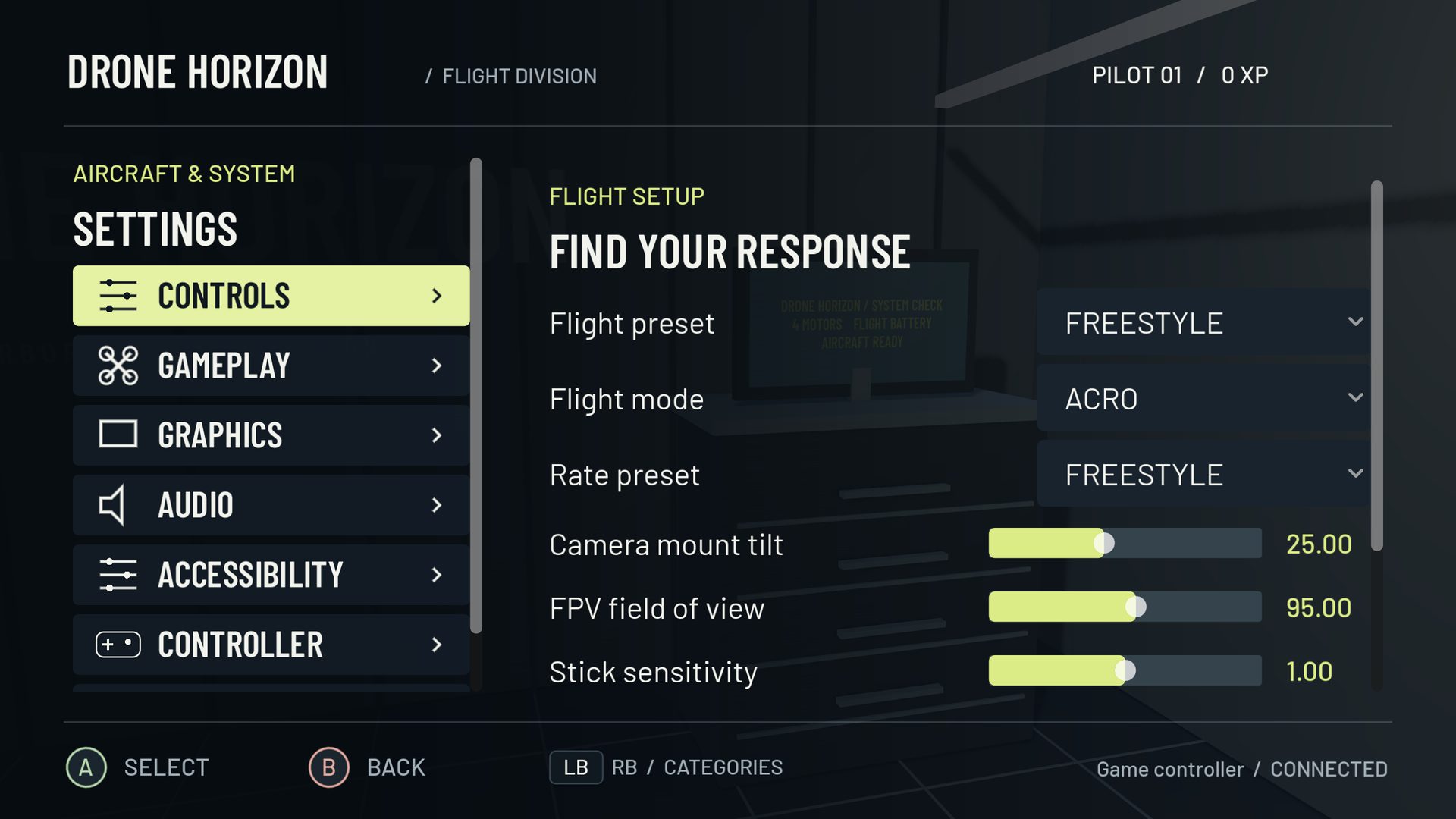
Drone Horizon has hardware/custom-profile response settings and flight-rate curves. These are separate layers. A curved radio output, a custom input curve and a flight-rate expo setting can compound. Save a baseline and simplify the earlier stages before judging the final rate graph.
Actual rates and the older Betaflight rate model also interpret their controls differently. In Actual, expo changes the transition while center sensitivity and maximum rate are independently specified. That distinction is documented in Betaflight's Actual rates notes. The simulator's model selector should match the setup you are trying to reproduce.
A five-pass comparison
Choose a wide slalom or a pair of landmarks. Fly it once with the baseline settings. Increase expo by a small step, then fly the same path at the same speed. Notice whether you make fewer unwanted corrections or simply use more stick travel. Return to baseline for another pass so the comparison is not just the effect of warming up.
Repeat the better option in the opposite direction. Finally, make one controlled larger bank and recovery in open space. A setting that feels pleasant at center should still give you understandable outer-stick response.
Throttle expo deserves its own test
Throttle is collective rather than a rotation command, so do not infer its behavior from pitch or roll. A throttle curve can spread useful travel around a hover region, but the aircraft's weight, battery and bank still matter. It does not create altitude hold in manual flight.
Use the throttle drill to compare climbs, descents and banked turns. Keep the profile that makes those tasks more repeatable; the number itself is not a measure of pilot skill.