
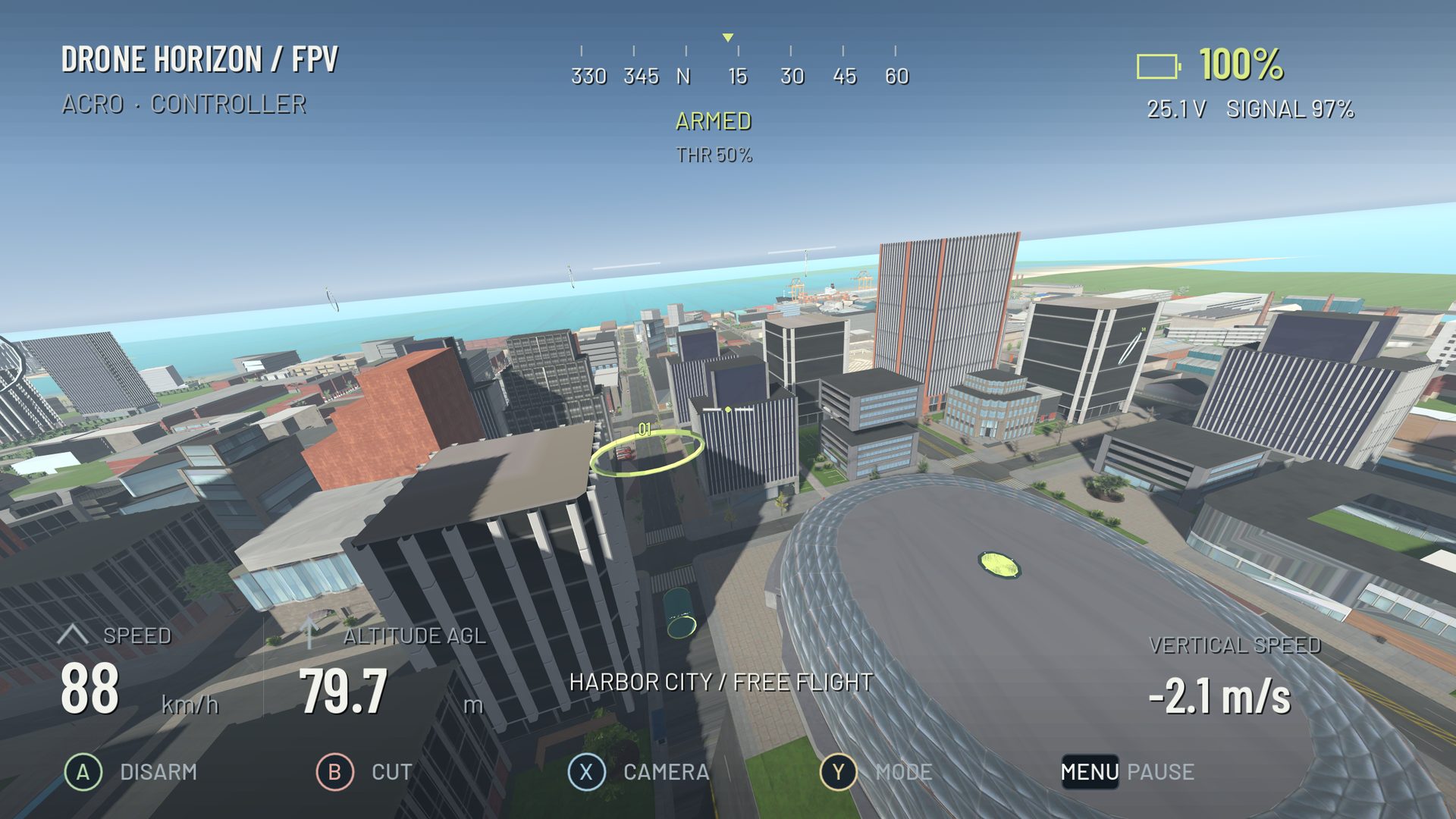
A controller's stick mode assigns four flight commands to two physical sticks. It does not decide whether the aircraft self-levels, holds altitude or flies Acro. You can use Mode 2 with Angle flight, or the same Mode 2 layout with Acro. Keep those two choices separate when following a tutorial.
The practical question is which hand you want to use for throttle and which axes you want together. If you already fly a real transmitter, preserve its layout. If you are starting without established habits, Mode 2 is a straightforward choice because many FPV explanations use it. Popularity does not make a different layout wrong.
The four conventional layouts
Directions below describe the pilot holding the controller normally. Vertical movement means moving a stick up/down; horizontal means left/right. Pitch forward normally means pushing the pitch stick away from you.
| Mode | Left vertical | Left horizontal | Right vertical | Right horizontal |
|---|---|---|---|---|
| 1 | Pitch | Yaw | Throttle | Roll |
| 2 | Throttle | Yaw | Pitch | Roll |
| 3 | Pitch | Roll | Throttle | Yaw |
| 4 | Throttle | Roll | Pitch | Yaw |
Modes 1 and 3 put throttle on the right. Modes 2 and 4 put it on the left. Modes 2 and 3 keep pitch and roll on one stick, while Modes 1 and 4 separate them. On a radio with a non-centering throttle, changing sides may require a manufacturer-approved mechanical adjustment as well as software changes. Rebinding alone does not change the springs.
How Drone Horizon names its options
The current Controls menu contains Mode 1, Mode 2 (Default), Mode 3 and Custom. Custom is not a fixed Mode 4 preset. You can create a conventional Mode 4-style layout in a named custom profile:
- Assign left vertical to throttle and left horizontal to roll.
- Assign right vertical to pitch and right horizontal to yaw.
- Check each direction in the live input display before arming.
- Set axis inversion only where the observed movement needs it.
- Save the profile with an unambiguous name such as “Mode 4 radio”.
The controller setup page covers device detection and calibration. Hardware-axis binding and stick layout can both affect the result, so verify the final command channels rather than trusting a diagram alone.
Test your layout without building the wrong habit
With the aircraft disarmed, move one axis at a time. Say the intended command aloud: throttle, yaw, pitch, roll. The corresponding display should move smoothly while the other three remain still. At full forward pitch, confirm that the aircraft preview indicates nose-down rather than nose-up.
Next use an open simulator area and make one gentle takeoff, one heading change and one shallow bank. If your hands repeatedly choose the wrong axis, pause and fix the map. Trying to compensate mentally during flight makes later diagnosis harder.
Do not confuse mode changes with response changes
A stick mode does not change maximum rotation speed, expo or the meaning of manual throttle. Those belong to rates and throttle control. Likewise, DJI-style stabilized flight can interpret centered vertical input as a height-holding command while manual FPV still requires collective management.
For a quick comparison limited to the two most familiar layouts, read Mode 1 vs Mode 2. Keep one verified layout throughout your first training routine; change it deliberately when matching the hardware you intend to fly.