
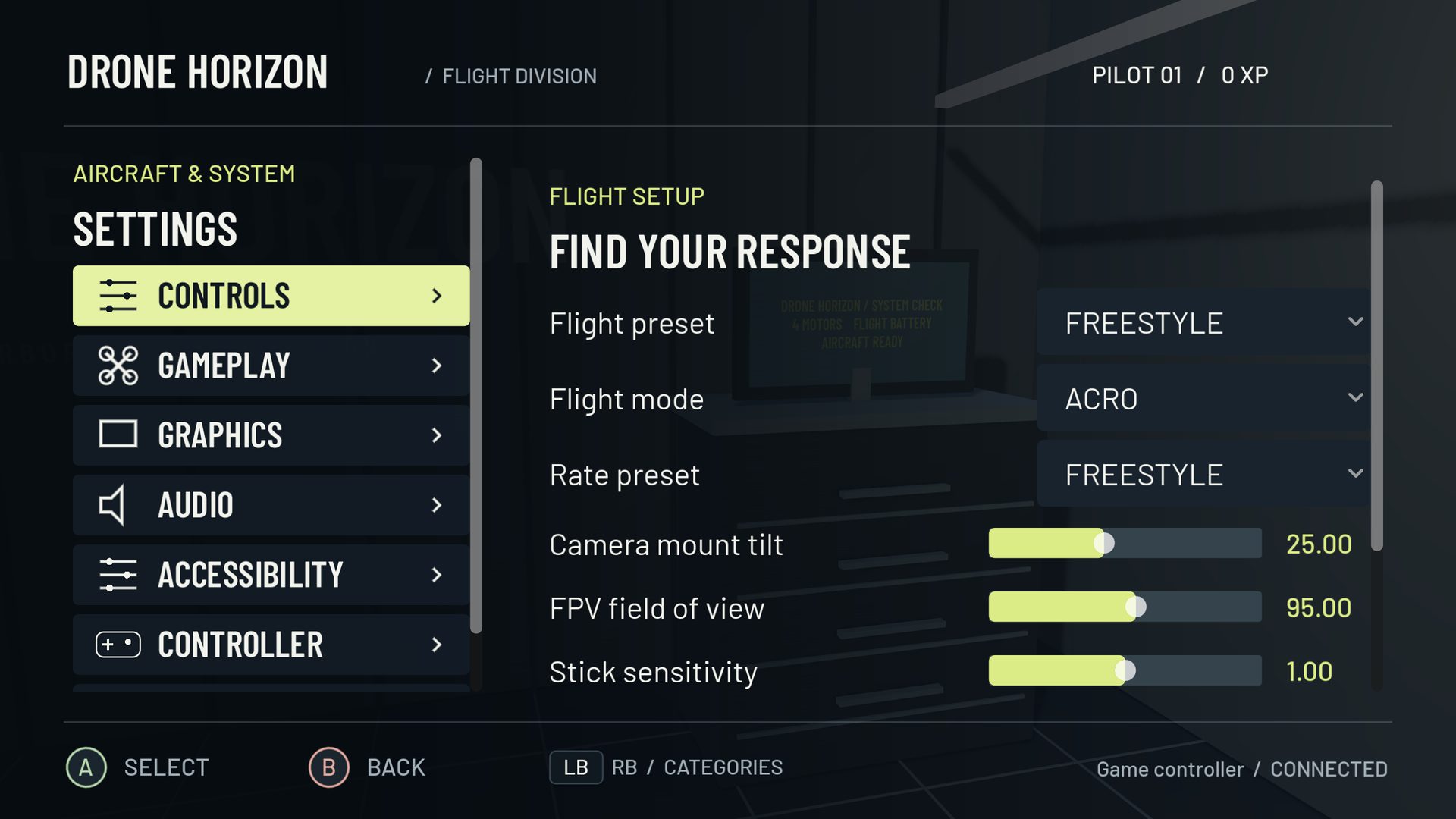
RC Rate and Super Rate are controls in a particular family of FPV rate curves. Broadly, RC Rate scales the response, while Super Rate makes the outer travel increasingly strong. Their combined result matters more than either value on its own.
Do not apply this explanation blindly to a screen using Actual rates. Actual has separate center and maximum-rate parameters. A familiar number beside a different model is not necessarily the same control.
What RC Rate changes
In the Betaflight-style model, RC Rate influences the rotation command across the stick range. Increasing it can make both small movements and large movements more demanding. If all your corrections feel too large, it is worth examining before using a large amount of expo to calm the center.
The model also has nonlinear behavior at high RC Rate settings. The practical consequence is that doubling a displayed parameter does not always produce the intuitive result you expect. Inspect the graph and its degrees-per-second output.
What Super Rate changes
Super Rate increases response more strongly as stick deflection grows. This allows a comparatively manageable center with faster full-stick rotation. As the outer curve becomes steeper, a small additional thumb movement near the edge can produce a large increase in requested rate.
That can be useful for a controlled flip or roll, but it can also make emergency corrections harder to judge. A beginner who routinely reaches the edge while trying to make ordinary turns should first slow the exercise and work on smaller inputs.
Read settings as a combination
| Flight complaint | Inspect | Avoid assuming |
|---|---|---|
| Small corrections are too sharp | Center slope, RC Rate, input sensitivity | That Super Rate alone controls center feel |
| Full rolls are too slow | Maximum output and rate cap | That the aircraft needs more forward speed |
| Response surges near full travel | Super Rate and expo together | That every surge is controller latency |
| A copied profile feels completely different | Model, units, calibration and axis values | That the same three numbers always transfer |
Drone Horizon includes both Betaflight-style and Actual equations, plus its Legacy Horizon model. Its final requested-rate limit can cap the top of a curve. Increasing a parameter beyond that limit may change intermediate response without increasing the endpoint.
Make a comparison you can repeat
Save a baseline. Use one aircraft, one camera setup and the same open route. Start with small heading and bank corrections. Then perform one larger rotation with ample simulator recovery space. Compare how much stick you used and how predictably you stopped the rotation.
If you change RC Rate, repeat both tasks. If you then change Super Rate, repeat them again. Keeping a short note such as “small turns calm; outer quarter abrupt” is more useful than labeling an entire profile good or bad after a crash.
Rates are not PID gains
Rates specify what you ask the drone to do. The control system determines how the motors try to make that happen. An aircraft that is still wobbling after your requested rate returns near zero may need a different diagnosis from one faithfully following rapid alternating stick inputs.
For the general terminology, see rates explained. For model-specific background, use the official Betaflight rate guide. Drone Horizon's flight telemetry makes requested and actual rotation separate values, which helps you ask the right question before changing settings.