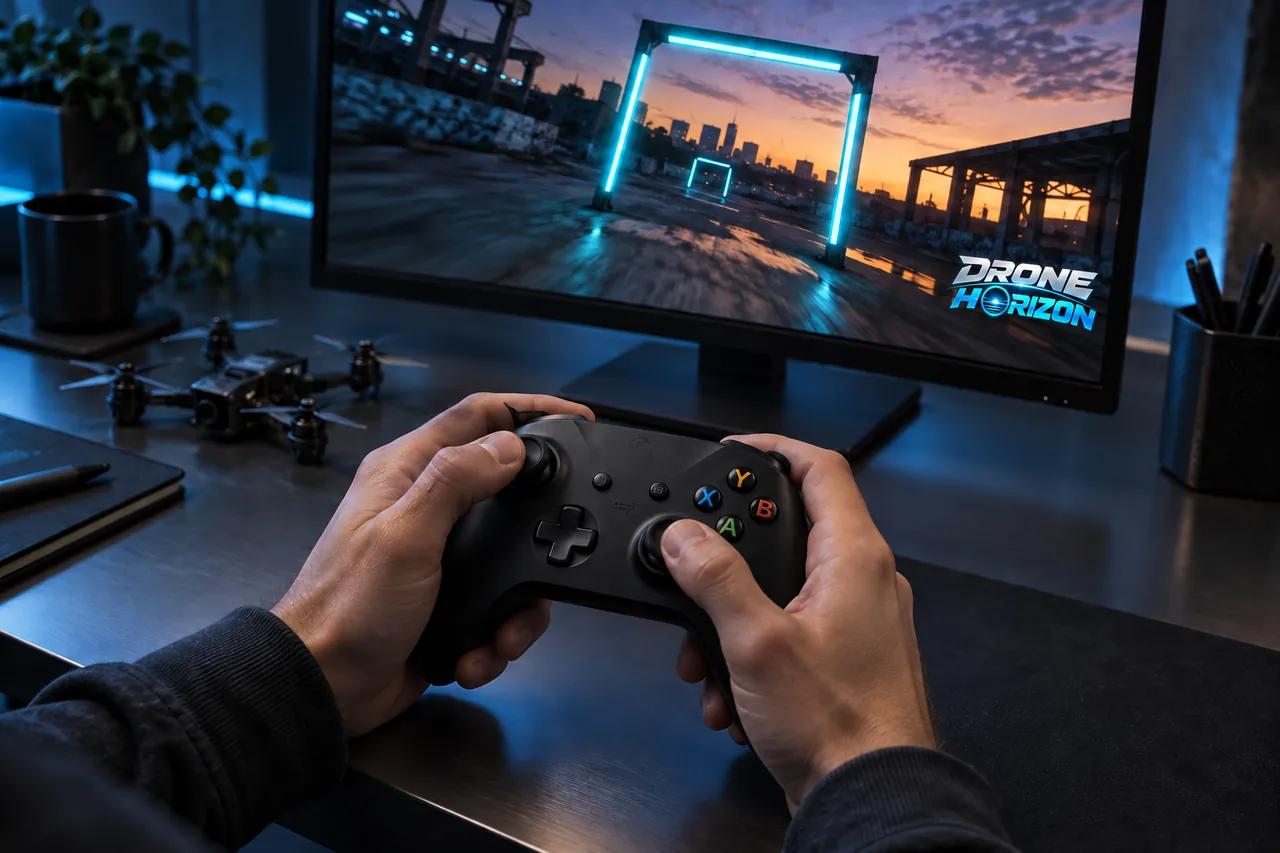
Xbox-style & standard gamepads
Familiar sticks. New airspace.
USB or Bluetooth. Start with the standard layout, then tune your response.
Explore setup ↗
REAL STICKS. YOUR INSTINCTS.
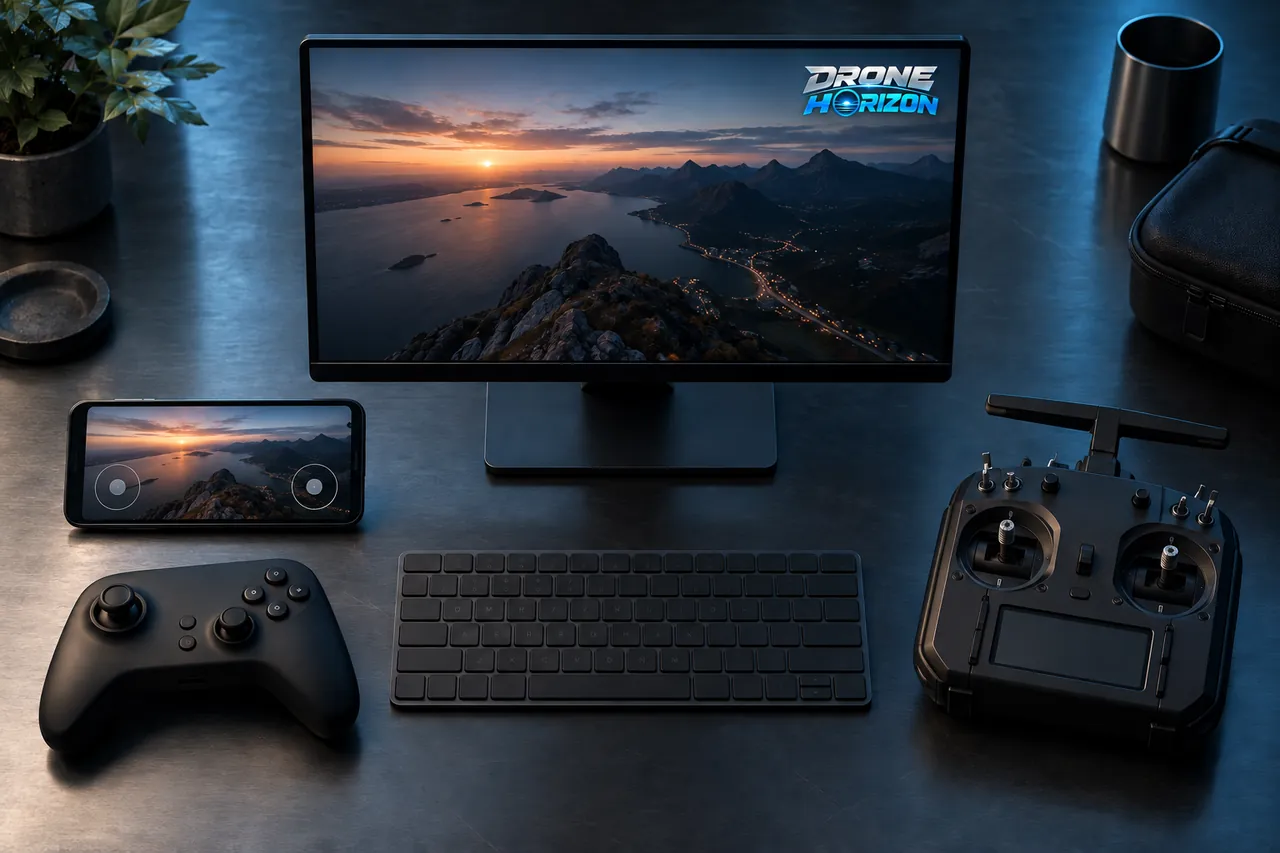
Keyboard. Touch. Gamepad. FPV radio. Connect compatible hardware and configure your sticks inside Drone Horizon.
Availability depends on your platform and the input exposed by your device. See the compatibility record below.
Set up your controller ↗
Drag the sticks or connect a gamepad. See all four commands come alive. This lightweight illustration explains the controls; the simulator runs the full flight model.
Drag either stick with your mouse or touch. Focus a stick and use arrow keys.
Connect the device, press a button, then choose Gamepad or FPV Radio. Browsers may hide devices until you interact. Raw input stays on this device.
Detection starts when Gamepad or FPV Radio is selected.
Standard gamepads use a Mode 2 starting layout. Unmapped radios require explicit axis selection. Browser detection does not certify support in a native build.
USB or Bluetooth. Start with the standard layout, then tune your response.
Explore setup ↗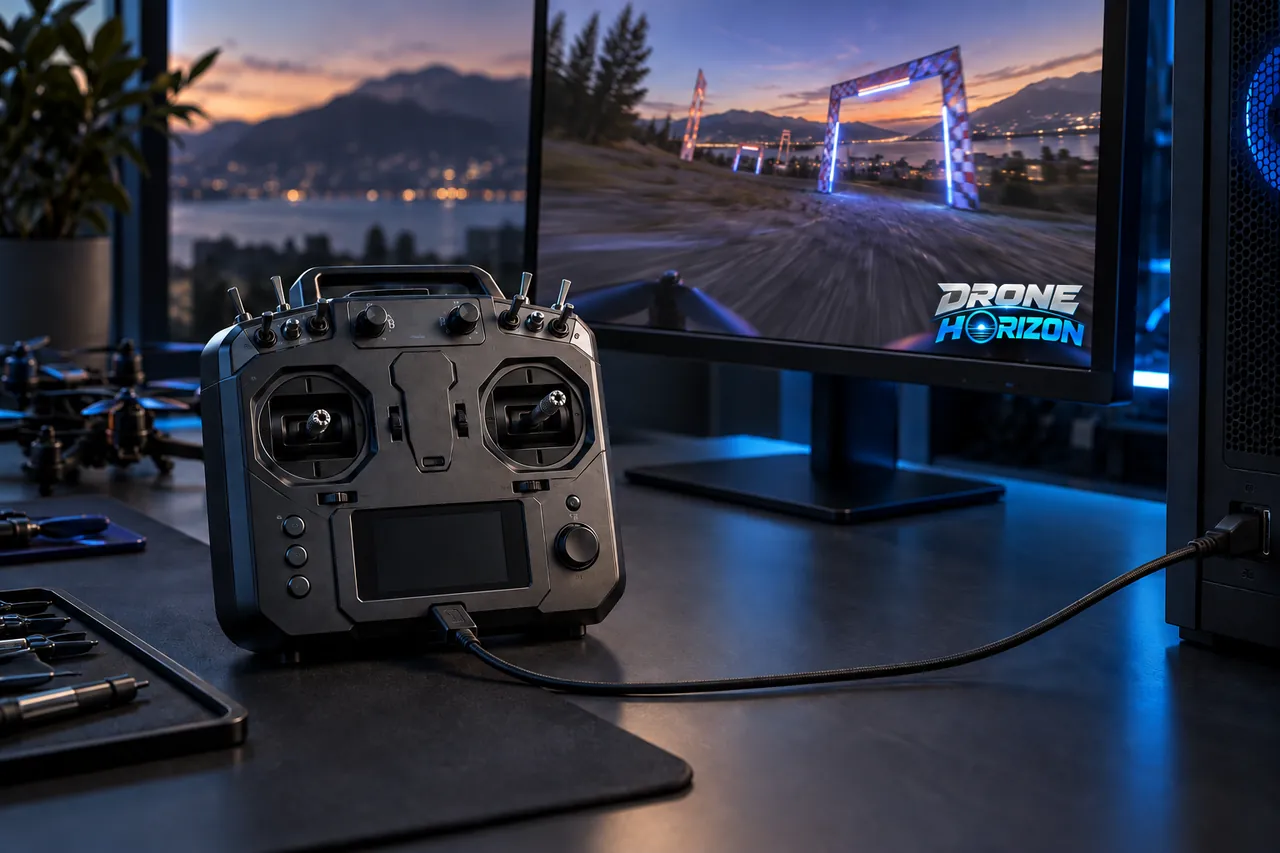
Select USB joystick / HID mode on a compatible radio. Map every exposed channel.
Explore setup ↗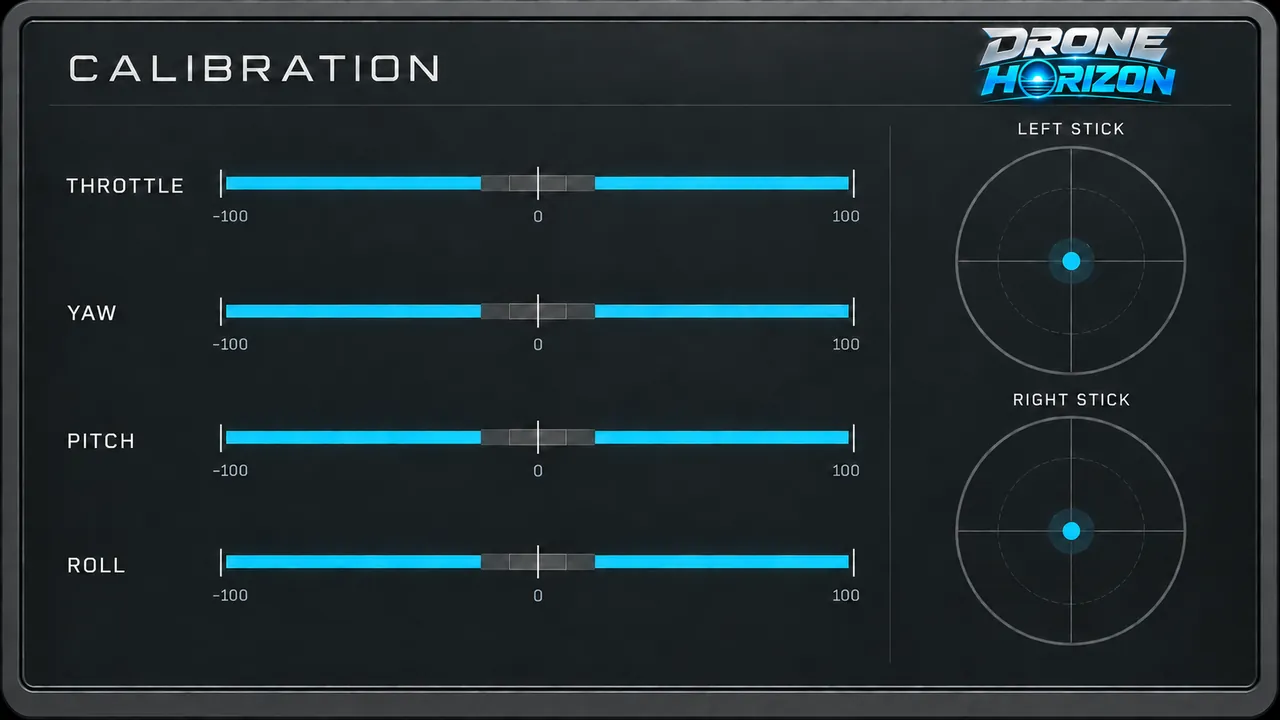
View raw input, map axes, adjust dead zones and save a profile for your setup.
Explore setup ↗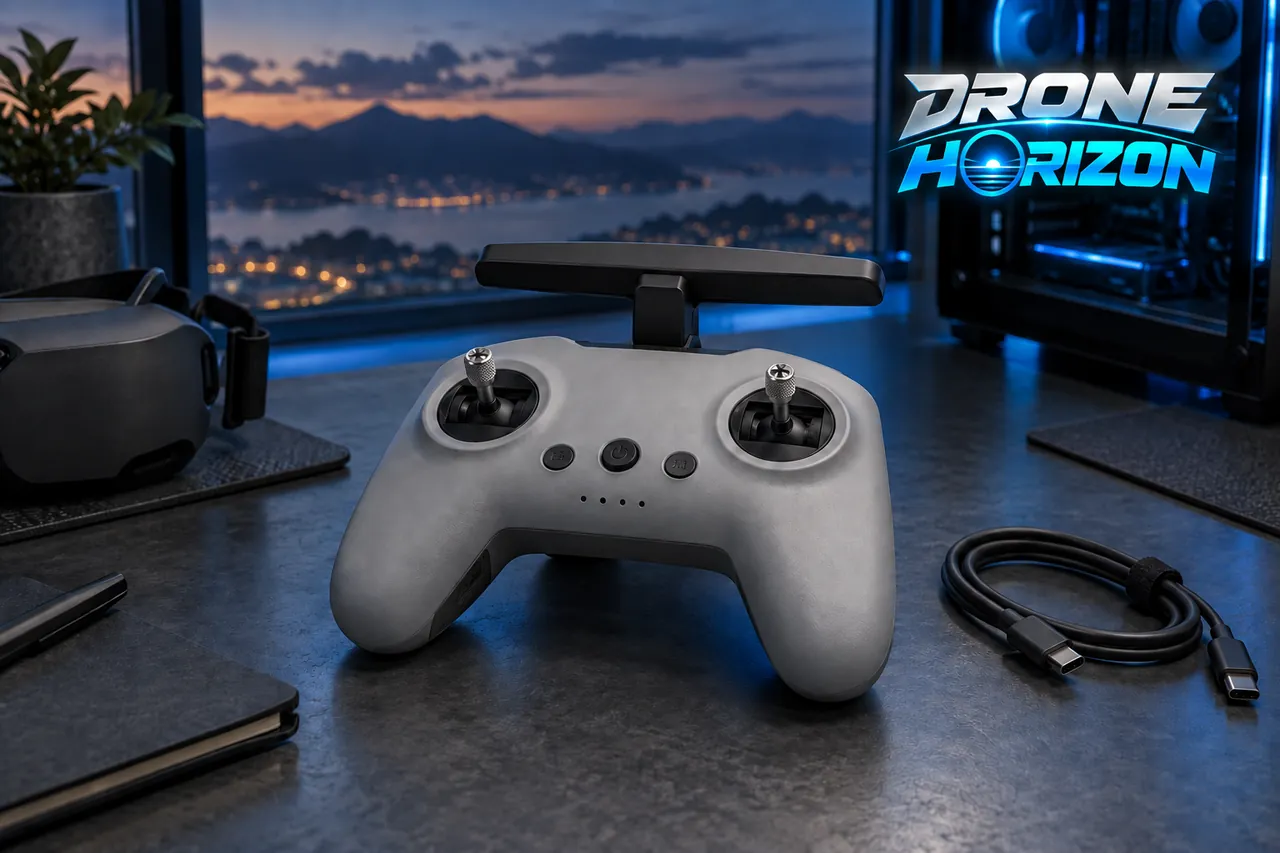
Our goal: practice using compatible DJI FPV controllers with configurable stick mapping, calibration, dead zones, sensitivity and flight profiles.
DJI FPV Remote Controller 2 via USB-C on PC. Physical detection and flight testing in Drone Horizon are pending. It is not yet listed as supported.
A USB connection or product name alone is not proof of usable joystick input. DJI RC, RC-N and Motion devices have different protocols. We do not claim that every DJI controller works.
How we validate DJI hardware ↗Evidence reviewed 13 September 2026. ✅ Tested means a named device, connection and platform passed acceptance testing. 🟡 Experimental means implemented with incomplete hardware validation. 🔜 Planned means validation or implementation is still pending.
| Controller | Connection | Platform | Status |
|---|---|---|---|
| Xbox-style standard gamepad | USB / Bluetooth | Linux | 🟡 ExperimentalHistorical Linux Bluetooth input test; current build hardware retest pending. |
| Standard PC / Android gamepads | USB / Bluetooth | Windows / Android | 🟡 ExperimentalOS gamepad input implemented; each model and transport needs validation. |
| Generic HID gamepads & FPV radios | USB joystick / Bluetooth HID | Linux / Windows / Android | 🟡 ExperimentalRequires joystick axes exposed by the OS. Manual mapping available. |
| PlayStation-style controllers | USB / Bluetooth | Supported gamepad APIs | 🟡 ExperimentalOnly where the OS exposes a standard gamepad; model mapping varies. |
| MFi-compatible controllers | Bluetooth / supported wired | Supported Apple devices | 🔜 PlannedApple build and hardware acceptance testing pending. |
| DJI FPV controller input | Device-specific USB | PC / device-dependent | 🔜 PlannedNo DJI FPV model is certified in the current build. |
No current build device is labelled Tested without a completed physical acceptance run. A supported API is not a guarantee that every device using it will work.
Keyboard, touch and physical controls feed normalized throttle, yaw, pitch and roll into Drone Horizon’s flight model. Calibration adjusts the device; your chosen flight style defines the response.
Linux and Windows use the desktop gamepad backend. Android includes native gamepad discovery. Apple device support requires its own build and controller checks.
Connect. Calibrate. Fly. ↗