
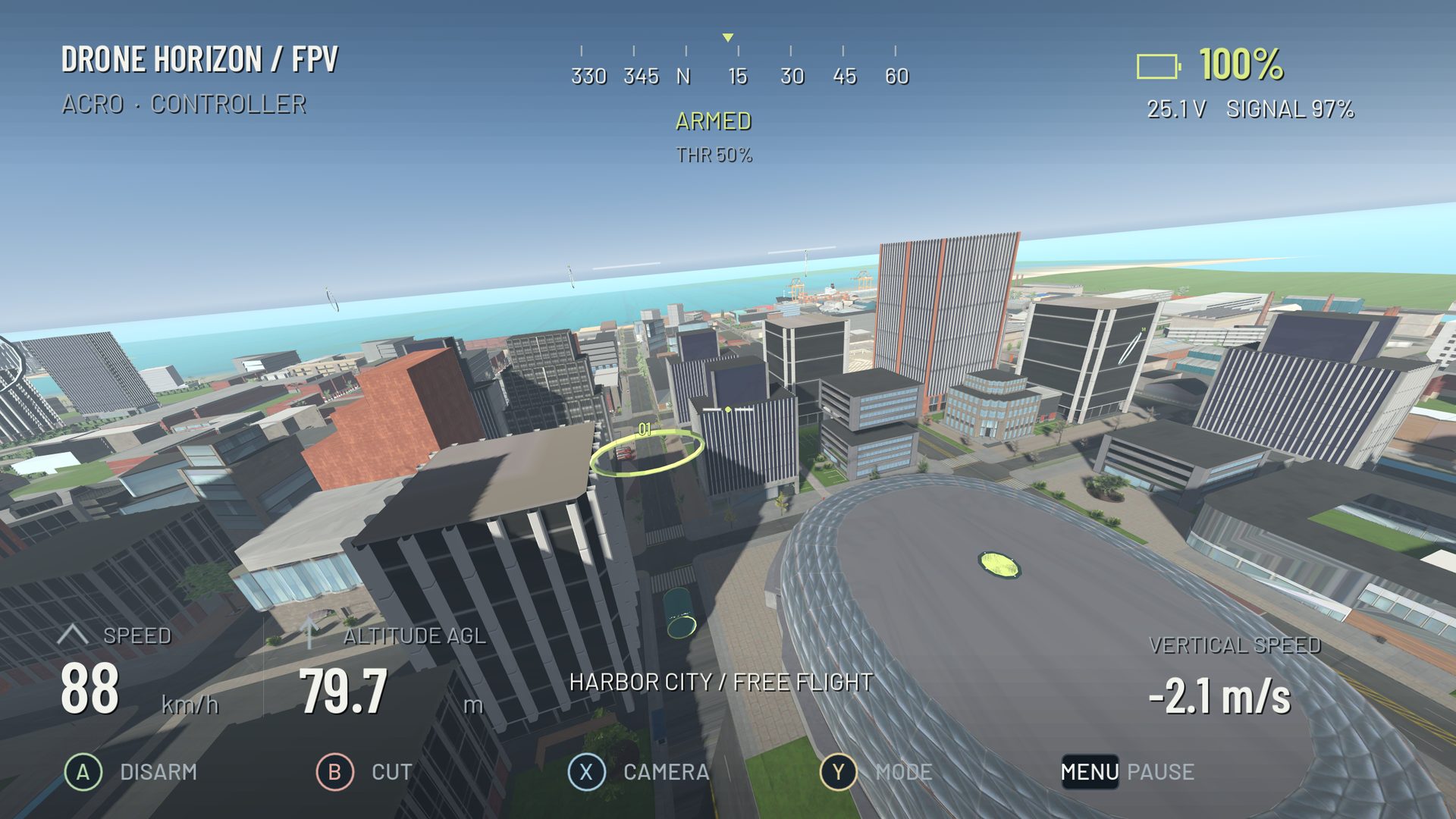
A smooth FPV turn is a continuous change in path with a deliberate entry and exit. Smoothness does not mean keeping every stick near center. It means using the movement the aircraft needs without repeated late corrections that fight each other.
Begin with a broad turn in open simulator space. Keep the camera fixed and choose a repeatable entry speed. A narrow gap adds a second problem before you have understood the first.
Set the bank, then stop adding it
In Acro, a roll input requests rotation. Use it to establish a shallow bank, then center the axis when the bank is sufficient. Add yaw to orient the nose along the curve, and adjust throttle as needed to maintain the intended height.
If you keep holding roll, the aircraft continues rotating and the turn can tighten unexpectedly. The pitch and roll guide explains the difference between establishing attitude and holding a command.
Look toward the intended exit
Choose an exit landmark before starting. As you approach it, begin removing the bank and easing the yaw command. Adjust pitch for the desired straight-line movement after the corner. The turn is not complete until you are established on that next line.
Waiting until the nose points exactly at the exit can make the correction late, because the aircraft may still have bank and lateral velocity. Use the developing path as well as the camera heading to judge the timing.
Separate visible roughness from its cause
| Roughness | Possible explanation |
|---|---|
| Alternating small heading swings | Repeated yaw overcorrection |
| Stair-step bank changes | Large discrete stick movements |
| Climb at the exit | Corner throttle retained after leveling |
| Aircraft motion seems calm but view drifts | Camera/gimbal smoothing or perspective |
| Body wobbles with steady commands | Inspect control response rather than assuming poor thumb technique |
A live input display is helpful because it shows whether the command is smooth. Drone Horizon also exposes requested and actual rates in telemetry. That distinction can prevent you from tuning the aircraft to compensate for your own alternating inputs, or blaming your hands for motion that needs another explanation.
Use a three-part drill
First fly a single broad left turn and continue straight. Repeat until the exit is calm. Then do the same to the right. Finally connect the two into a wide S-turn with an obvious middle section.
Do not speed up just because the first turn looks good. The transition often reveals the hidden problem: one turn finishes with too much bank or throttle for the next to begin smoothly. Keep the entry and route consistent enough to compare attempts.
Adjust response only after checking technique
If tiny intentional movements still produce excessive rotation, inspect center sensitivity and expo. If the output is stable at center but starts abruptly after some travel, examine the dead zone. If the body responds late, check performance and filtering before adding higher rates.
Save a baseline and change one setting. The rates guide gives a useful vocabulary for the comparison. Once the wide S-turn is repeatable, progress to cinematic movement or a gate pair while preserving the same controlled entry-and-exit habit.