
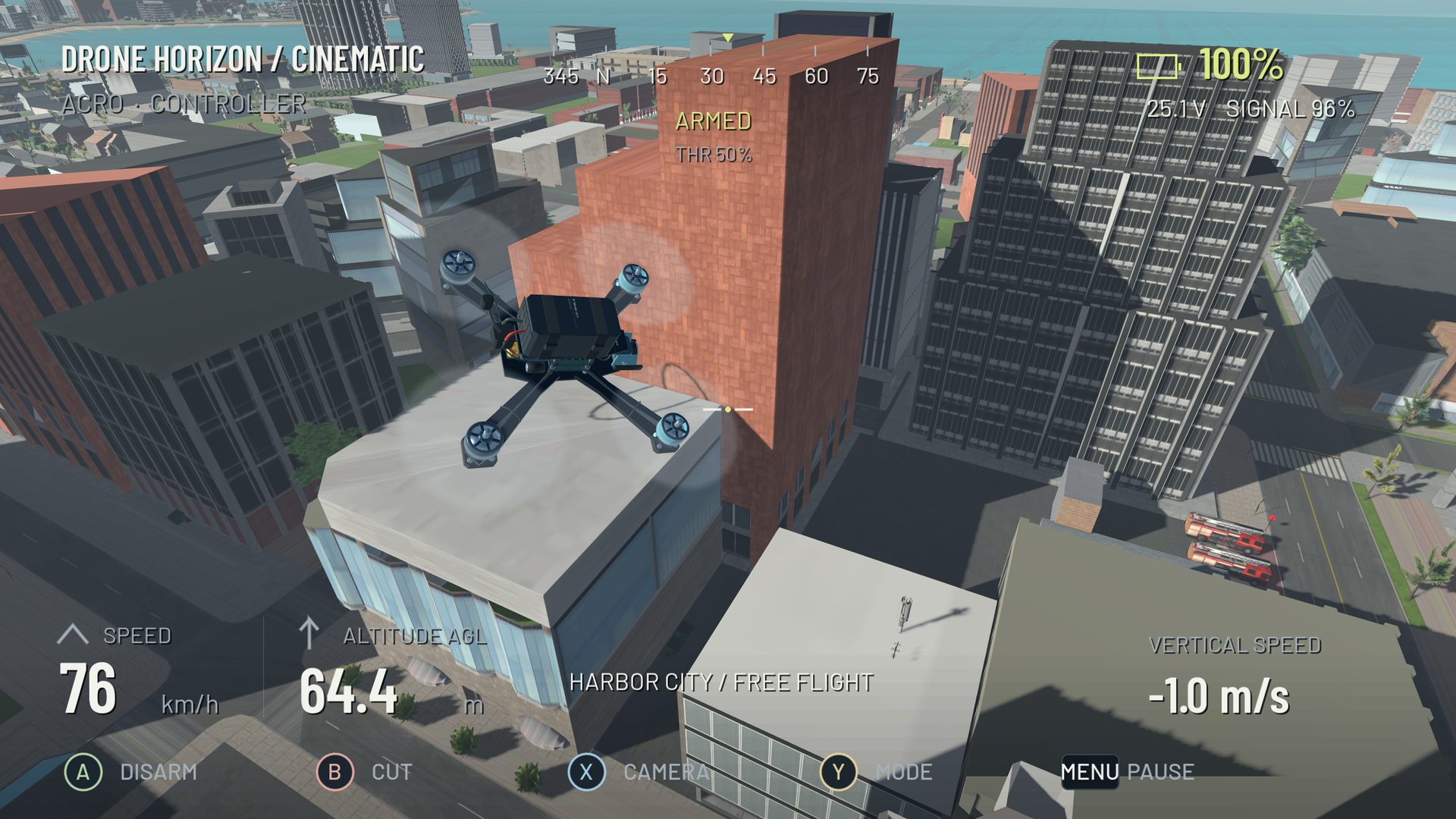
A simulator collision occurs between the aircraft's collision shapes and the environment's collision geometry. The visible mesh and the collision representation are related, but they are not necessarily identical at every detail. A realistic-looking fence can have a simplified collision shape, while an invisible or misplaced collider can block an apparently open route.
Useful collision behavior requires both appropriate geometry and a physical response. Damage rules then decide what the impact means for continued flight.
Contact is more than overlapping pictures
The physics engine detects contact, estimates the interaction and changes motion through collision response. The aircraft's shape, velocity, mass and contact direction influence the result. A shallow scrape is a different event from a direct high-speed impact.
At high speed, an aircraft may move a substantial distance between updates. Collision and crossing systems need to account for that movement rather than checking only a single visual frame. A higher simulation rate can reduce step size, but it does not repair incorrect map geometry.
Damage is a separate model
Drone Horizon has impact-based damage, motor/propeller health and a crashed state. The code uses contact information and recent incoming velocity to help assess impacts when the physics solver has already reduced the current velocity.
That is a defined game model, not a guarantee of predicting which real component breaks in an actual crash. A fictional airframe's damage threshold should not be used to estimate the safety of real proximity flying.
| Layer | What it determines |
|---|---|
| Visible environment | What the pilot sees |
| Collision geometry | Where physical contact is possible |
| Rigid-body response | How contact changes motion |
| Damage rules | Whether aircraft performance or state changes |
| Recovery rules | How the session continues after the event |
Gate contact and gate crossing differ
Passing through the valid opening is not the same as touching the frame. Drone Horizon's gate system checks ordered directional crossings and can monitor frame hits separately. Optional penalties mean a run can continue while still receiving a cost for contact.
If a gate does not count, check its direction and whether it is the active checkpoint before assuming collision failure. If the drone hits something that is not visible, repeat slowly from a clear approach and record the exact location.
Reset is not the physical outcome of a crash
The game provides explicit recovery/reset behavior, and an optional crash-recovery setting can change how a session resumes. Resetting clears or restores game state according to those rules; it should not be described as a physical self-repair mechanism.
Likewise, the project's turtle behavior uses motor-based recovery under specific conditions rather than implying that every crash can be flipped out of. Severe damage or an unsuitable position may still require reset.
How to evaluate a collision issue
Use a repeatable approach, a consistent aircraft and a known map. Compare a slow pass with a faster one and note whether contact corresponds to the visible surface. Record whether the problem concerns geometry, scoring or post-impact handling.
The maps feature guide explains why environments have different purposes and restrictions. The telemetry guide can help separate the incoming trajectory from the resulting motion. Avoid claims such as “every wall is perfectly accurate”; source inspection verifies that collision systems exist, while complete coverage still requires map-specific runtime testing.