
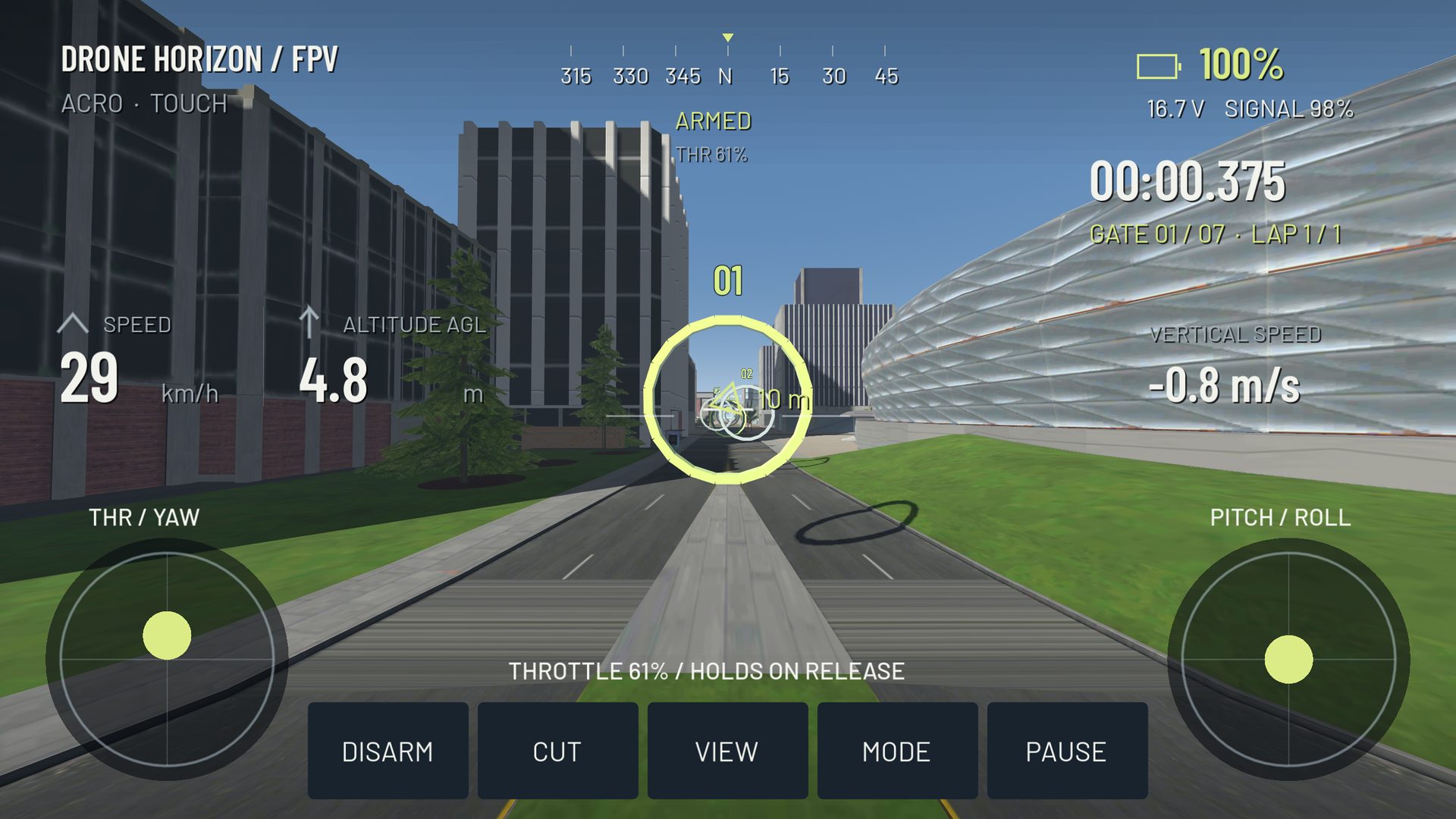
A drone simulator is useful for repeating control tasks without repairing an aircraft after each mistake. It can help you learn orientation, coordinated inputs, line planning and deliberate recovery. It cannot reproduce every physical aircraft, radio link, environment or decision involved in real flight.
Treat simulation as one part of training. A clean virtual lap demonstrates control in that setup; it is not a license, safety certification or guarantee of real-world competence.
Skills with a clear simulator task
You can practice recognizing a bank, removing it in Acro, coordinating throttle through a turn and judging a sequence of gates. These tasks have visible inputs and outcomes. Repetition is particularly useful when the same aircraft and route let you isolate a recurring error.
Simulation also makes it practical to stop and inspect the controls. You can compare requested and actual rates, revisit a camera setting or reset to a known position. Those conveniences help you study a problem without pretending the virtual conditions are universal.
What requires a separate real-world process
Real flying adds equipment preparation, local operating conditions, people and property, airspace decisions, battery handling and unexpected failures. A simulator's reset button does not teach those responsibilities. Follow the rules and manufacturer instructions that apply to your actual aircraft and location; this guide is about the learning boundary, not legal operating advice.
A virtual wind model is also not the same as being able to read a real site. Visibility, obstacles, turbulence and changing conditions can interact in ways a practice environment does not reproduce.
| Simulator practice | What still needs checking outside it |
|---|---|
| Manual throttle coordination | Actual airframe and battery response |
| Acro orientation | Real view, latency and recovery space |
| Controller muscle memory | Matching mechanics, mapping and rates |
| Gate planning | Physical course, surroundings and operating conditions |
| Reset after a crash | Inspection, damage and safe recovery procedures |
Match the controls where it is practical
Using the same stick layout and compatible radio can make the mechanical part of practice more familiar. Match the rate model before copying values, and verify direction and travel rather than assuming the same controller name means the same mapping.
A gamepad can still teach the axes, but its short, spring-centered sticks may require a later adjustment. Touchscreen practice introduces another difference: virtual travel and release behavior. See radio vs gamepad for that comparison.
Understand a simulator's fidelity claims
Drone Horizon models individual motor forces, inertia, drag, battery behavior and collision effects. Those are specific implemented systems. Their presence does not establish that a fictional aircraft matches a measured commercial drone under every condition.
Likewise, optional wind, ground-effect and wake models are approximations. They can make a practice question more interesting, but should not be presented as computational-fluid-dynamics validation. The physics feature guide states what the model actually contains.
Use a transfer checklist, not an hour target
Before changing practice environments, ask whether you can deliberately take off, keep a modest route under control, recover from a small unintended bank and land without a last-second rescue. Ask whether you understand how your chosen flight mode reacts when sticks center.
Then treat the first real sessions as a new learning stage with appropriate supervision and conditions, rather than an attempt to reproduce your fastest virtual route. The strongest simulator habit is noticing a developing mistake early enough to choose a calm response.