
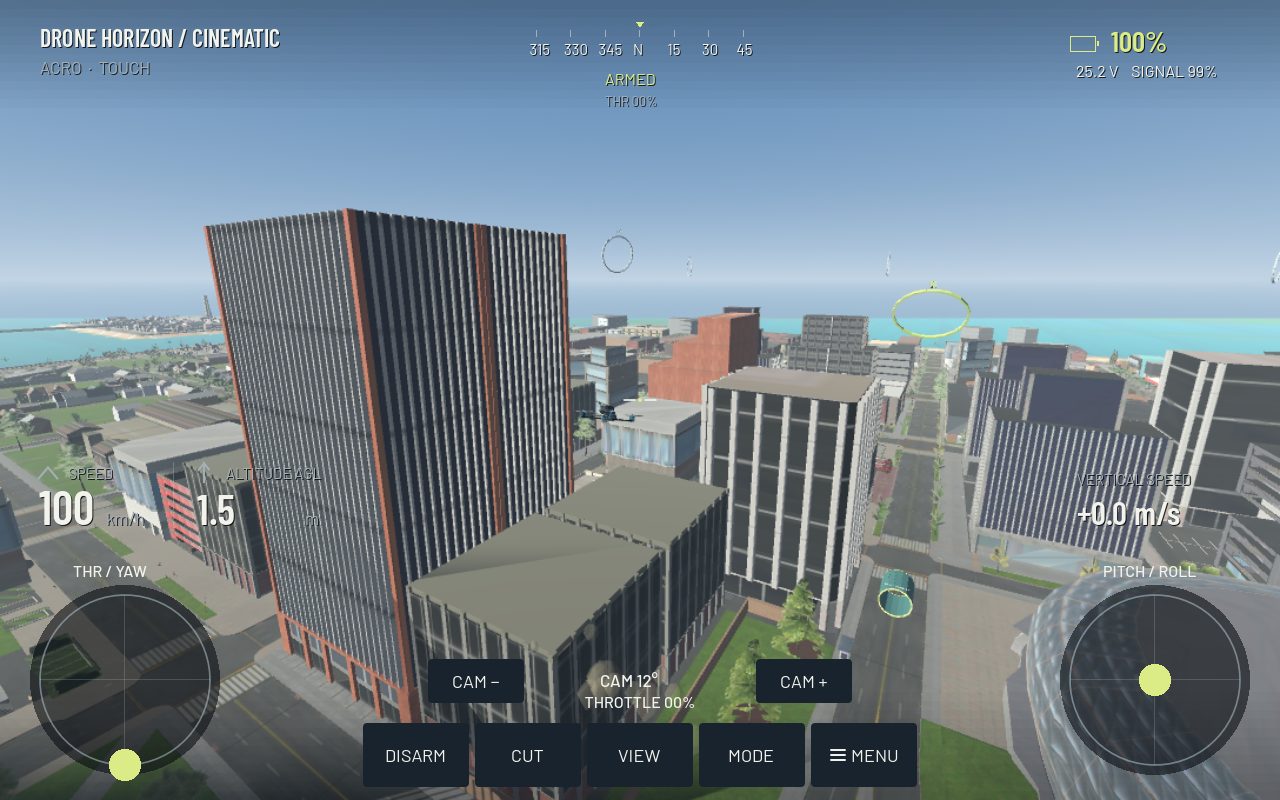
Cinematic drone practice is about making the viewer understand the movement and subject. Speed, proximity and complicated tricks are optional. A simple approach with a steady frame and a deliberate exit can teach more than an uncontrolled sequence of dramatic turns.
Start by choosing one shot idea: reveal a landmark, track alongside a moving subject or circle a stationary object. Decide where it begins and ends before taking off in the simulator.
Define the frame and the path separately
The flight path determines where the aircraft goes. Framing determines where the camera points and what stays visible. In rigid FPV, those are closely linked because the camera follows the aircraft. A stabilized gimbal provides a different relationship, but still cannot fix an incoherent flight path.
For a reveal, choose the subject and the moment it should enter the frame. For a tracking shot, choose a relative position and distance. For an orbit, decide on a broad radius and a clear way to leave it. These choices give your inputs a purpose.
Control speed changes early
Abrupt acceleration or braking can make the image feel unsettled even when the aircraft avoids obstacles. Begin the speed change before the subject reaches the intended position. If you wait until the frame is already wrong, the correction often becomes visible as a sharp movement.
Practice a straight approach at a steady speed, then a gentle transition into a wider arc. Use distant references to judge whether your height is drifting. A visually stable horizon does not necessarily prove stable aircraft attitude when a gimbal is involved.
Keep camera settings consistent
Camera tilt, FOV and gimbal response all change the task. Choose them before the practice block. A wider view can make framing more forgiving while making the subject smaller; a tighter view can emphasize a small heading correction.
| Shot problem | First thing to inspect |
|---|---|
| Subject suddenly crosses the frame | Late yaw or gimbal correction |
| Distance changes unintentionally | Relative speed and path radius |
| View is level but route wanders | Aircraft movement beneath the stabilized view |
| Exit looks rushed | Shot endpoint was not planned |
| Small inputs create visible snaps | Calibration, center response and control technique |
Use Drone Horizon's two flight families intentionally
Manual FPV practice teaches body-rate, bank and collective coordination. The DJI-style stabilized family adds Cine, Normal and Sport movement with braking and a smooth gimbal. These are different exercises, not different hardware requirements.
The project also includes Follow Car, where the player keeps flying the drone while an AI vehicle moves along the route. Its optional score considers framing, distance, visibility and movement smoothness. It is not an autonomous camera system that flies the player drone for you. See the Follow Car guide.
Judge a short sequence
Repeat the same opening movement, main shot and exit. Notice which correction is most visible and isolate it on the next attempt. You can evaluate the live image without a built-in video editor; Drone Horizon's blackbox CSV should not be confused with a cinematic video replay feature.
Finish when the sequence looks deliberate at a modest speed. Then add a more demanding subject or tighter path. Use orbit practice and smooth turns as supporting drills whenever framing problems originate in the flight path itself.