
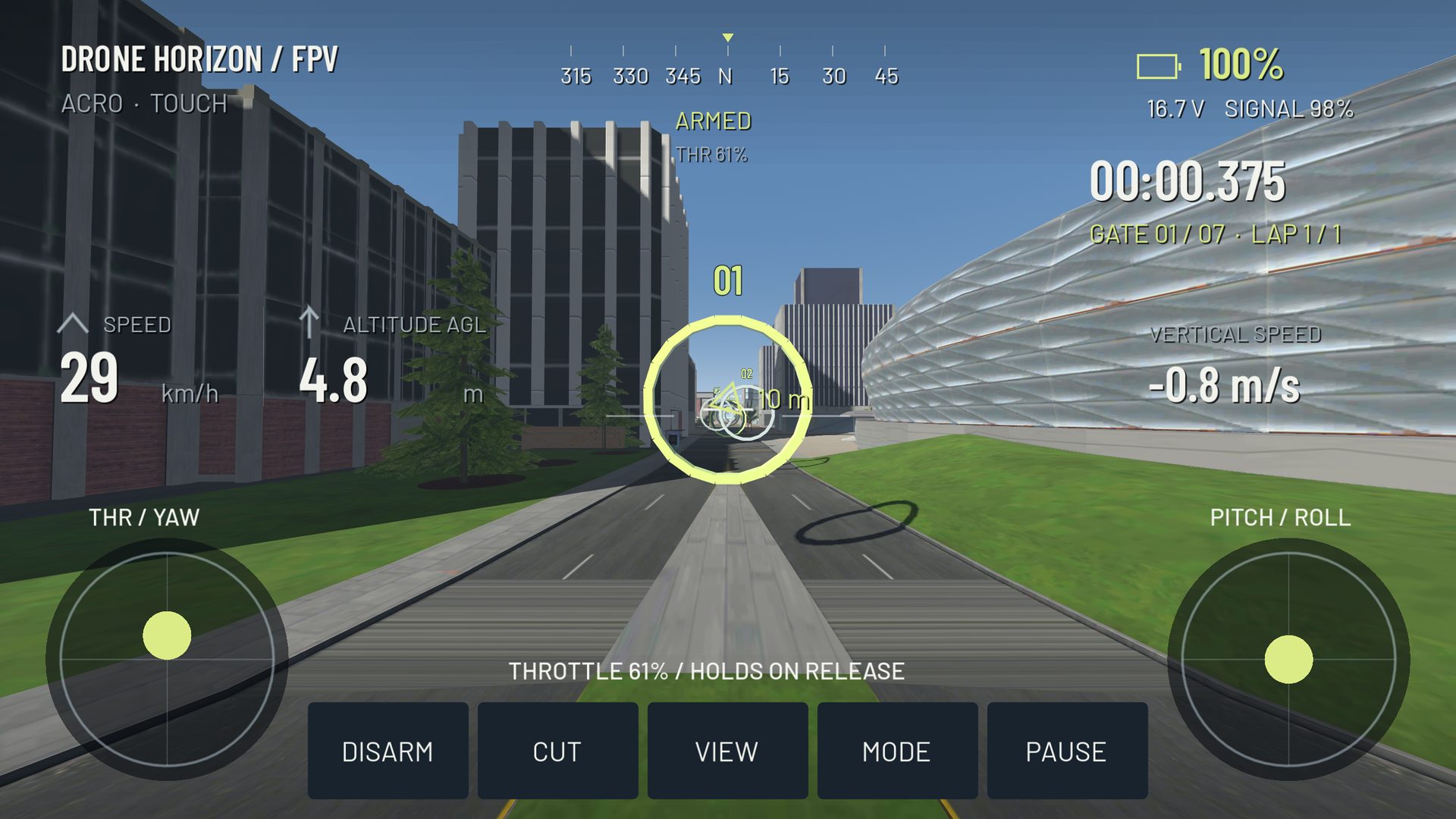
A figure eight connects a left turn and a right turn through a shared middle. It is a useful simulator exercise because it exposes unequal control in the two directions and tests whether you can transition without climbing, sinking or accelerating unexpectedly.
Start with two distant landmarks and plenty of virtual recovery space. The shape does not need to be geometrically perfect. You are practicing a repeatable path and a controlled transition, not drawing a symbol for its own sake.
Define a generous route
Choose a landmark for each loop and a visible middle corridor between them. Fly one broad circle around each separately before connecting them. This shows whether a particular turn direction is already causing difficulty.
Use the same aircraft, camera tilt and flight mode for the whole block. A camera change can alter how the loops look even when the physical route is similar. Keep speed low enough that you can notice the aircraft's bank and the direction the scenery is moving.
Connect the loops through the middle
As you leave the first loop, begin removing the bank before crossing the center corridor. Bring the heading toward the next route, then establish the opposite bank. Avoid continuing the first turn until the second landmark is already beside you; that leaves too little space for a calm transition.
In Acro, use brief inputs to set and remove attitude. In Angle, the stick requests the bank more directly, but momentum still needs managing. Neither mode automatically guarantees a constant height through a banked turn.
Watch three things separately
First, compare height in the two loops. Second, compare their size. Third, compare speed through the center. Trying to judge all three at once can lead to frantic corrections, so choose one focus for several passes.
| Observation | Next isolated task |
|---|---|
| Left loop consistently wider | Repeat left-bank entry and removal |
| Aircraft climbs in the middle | Ease extra throttle as bank comes out |
| Second loop begins too late | Start the exit transition earlier |
| Path tightens on every pass | Stop adding bank and re-establish a baseline speed |
| Camera swings across the landmark | Reduce abrupt yaw corrections |
Use outside view as a diagnostic
FPV is the target skill, but an outside camera can help you understand why the route is wrong. A short comparison may reveal that you are pointing toward a landmark while sliding sideways. Return to FPV afterward and identify the corresponding visual cue.
Drone Horizon includes several camera perspectives. Changing perspective is an observation tool here, not a claim that third-person control and FPV use identical visual judgment.
Decide when to make it harder
Progress when both loops are controlled and the center transition no longer needs a sudden rescue. You can then make the loops smaller, increase speed slightly or add a gate at a known point. Change one constraint and keep a larger version available as the baseline.
For cinematic practice, favor broad arcs and a steady subject position. For racing, study whether the transition leaves a useful gate approach. The orbit guide and slalom guide extend those two directions without requiring a new aircraft or a more aggressive rate profile.