
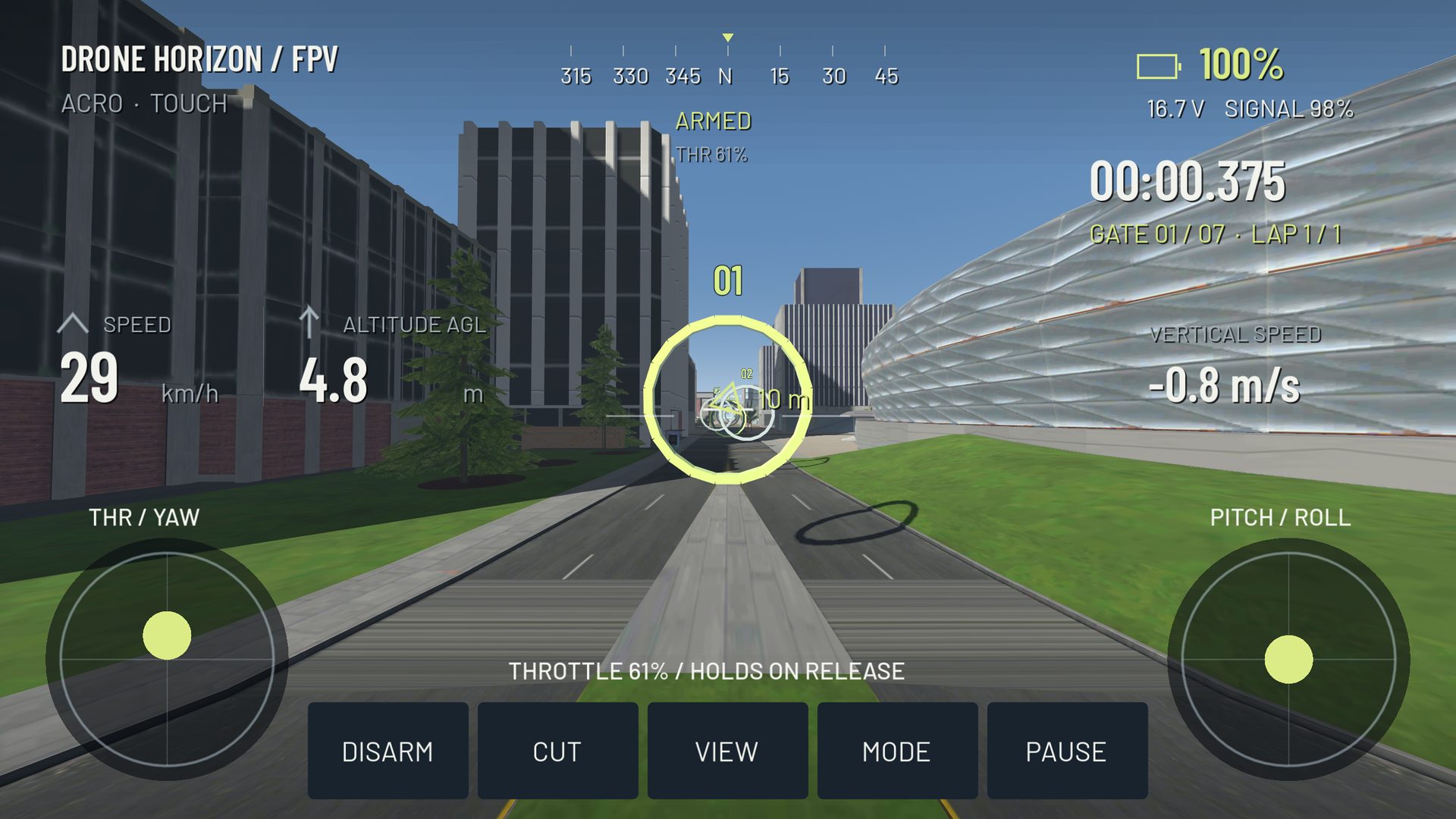
Choose between Android and PC by the setup you can use consistently: your input device, available screen, connection method and the kind of practice you want to repeat. A mobile app is not automatically a touchscreen toy, and a desktop title is not automatically compatible with every radio.
This is a platform decision guide, not a ranking of “best” simulators. Product availability and requirements can change; the manufacturer links below are the place to confirm a purchase or download.
Start with the controller path
On a PC, a compatible radio may expose joystick axes over USB. Android can also receive supported gamepad or joystick input, but adapters, device mode and the application's backend matter. Bluetooth recognition does not prove that a particular app gets four continuous flight channels.
If you intend to use a specific transmitter, solve that connection question first. A visually impressive simulator you cannot control with your intended device is a poor match for that training goal.
Compare the practical tradeoffs
| Question | Android/mobile consideration | Windows/Linux PC consideration |
|---|---|---|
| Where will you practice? | Convenient short sessions | Usually a fixed desk setup |
| What can you see? | Small display and possible thumb occlusion | Larger display, different viewing distance |
| What input is available? | Touch, supported gamepads, app-specific radio paths | OS-exposed gamepads/joysticks and simulator mappings |
| How does it run? | Device thermals and rendering workload matter | GPU, drivers and scene workload still matter |
| Is it actually available? | Check the real store listing | Check the supported OS and distribution channel |
A game streamed from a PC to a phone is also different from a native Android simulator. It still depends on the PC and adds a streaming path to input and display. Do not infer native mobile availability from a video of someone playing on a phone.
Examples from official product information
Liftoff's support pages list Windows, Mac and Linux desktop availability. VelociDrone's mobile page describes Android and iOS editions and its particular controller connection options. FPV Freerider's developer page lists downloadable Windows, macOS and Linux versions.
These examples establish platform options, not equal hardware requirements or identical physics. Check the current edition's requirements and controller instructions directly. No price, performance ranking or universal compatibility is implied by appearing in this list.
Drone Horizon's verified development status
The project contains Android, Windows and Linux export configurations, shared flight input and mobile controls. Historical build records cover those platforms separately. The public release is still in preparation; the website does not offer a verified live store listing merely because an export exists.
An iOS preset is also present, but Apple build and MFi hardware acceptance remain pending. There is no verified macOS export path in this audit. See desktop platform details and the Android page for the product-specific distinction.
Make one short acceptance session
On whichever setup is available, verify input range, take off, fly a broad circuit and land. Try a moderately detailed scene and inspect whether control remains responsive. Save the profile, reconnect and repeat.
A stable half-hour routine is more useful than choosing by screenshots alone. Use the practice schedule once the platform and controller path are dependable.