
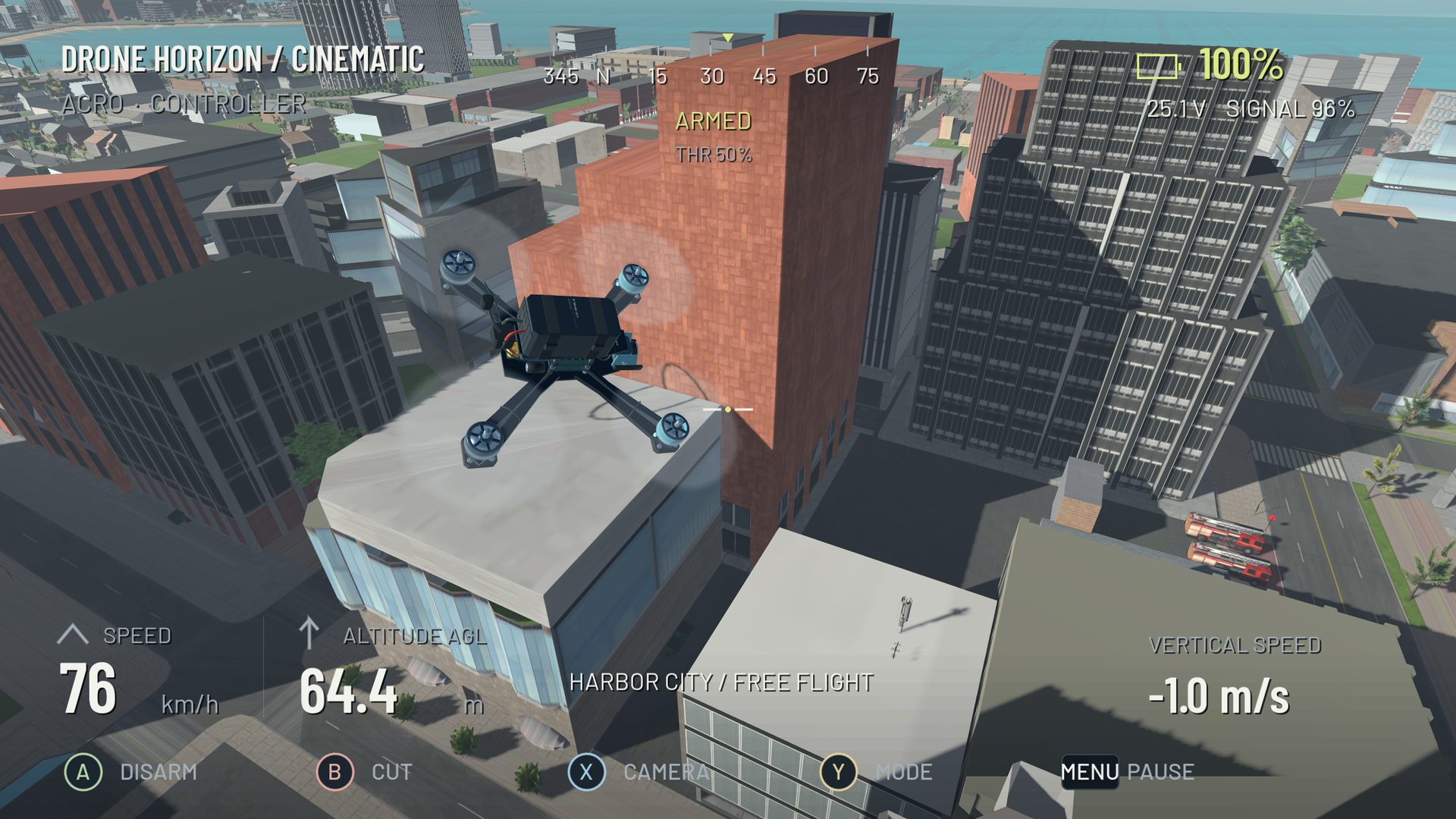
Desktop development, with the platform named
Drone Horizon has Windows and Linux export configurations in the current project. The recorded controller audit includes separate desktop build checks. That establishes development support and build evidence, not a public download, a Steam listing or a verified minimum hardware specification.
Public release is in preparation. The website will identify a real distribution link when one is available. The Android page covers the separate native mobile build; the browser flight lab is an illustrative website interaction rather than the full native simulator.
What the desktop game contains
The source includes manual FPV and stabilized camera-drone flight, multiple offline environments, ordered gate racing, Flight School, four aircraft and configurable input. The feature collection explains these systems using current source evidence.
Windows and Linux share the normalized flight-command architecture. That does not guarantee identical device mappings: operating-system and engine backends can expose controllers differently, and a successful package export is not a physical-controller acceptance test.
Windows controller checklist
Connect the intended gamepad or joystick-mode radio and verify operating-system recognition. In the simulator, inspect the displayed device and raw axes, map the four flight commands and calibrate endpoints. Save the profile and repeat after reconnecting.
DJI FPV Remote Controller 2 over USB-C on PC is a priority investigation target, but the recorded project audit lacked the device. This page therefore does not list it as tested Windows hardware. Read the DJI compatibility guide for the evidence needed.
Linux controller checklist
Confirm the device exposes usable gamepad/joystick input to the desktop environment and the simulator. Check device selection and raw movement before adding remapping software. If the OS can see a device but no axes change, a connection or capability problem remains possible.
The project record includes Linux build and synthetic-input checks; physical mappings still need exact device/transport acceptance. A historical successful controller session should not be generalized to every Bluetooth pad or USB radio.
Settings and performance
Choose a graphics setup that keeps the session responsive on your machine. The simulator offers configurable physics precision separately from rendering quality. A 500 Hz option is not a claim of 500 displayed frames per second, and no measured minimum specification is published here without a hardware test basis.
For platform comparison, use Android vs PC. For input problems, follow controller troubleshooting. Apple build/MFi acceptance is pending, and this audit does not establish a native macOS export; “PC” should not obscure those distinctions.