
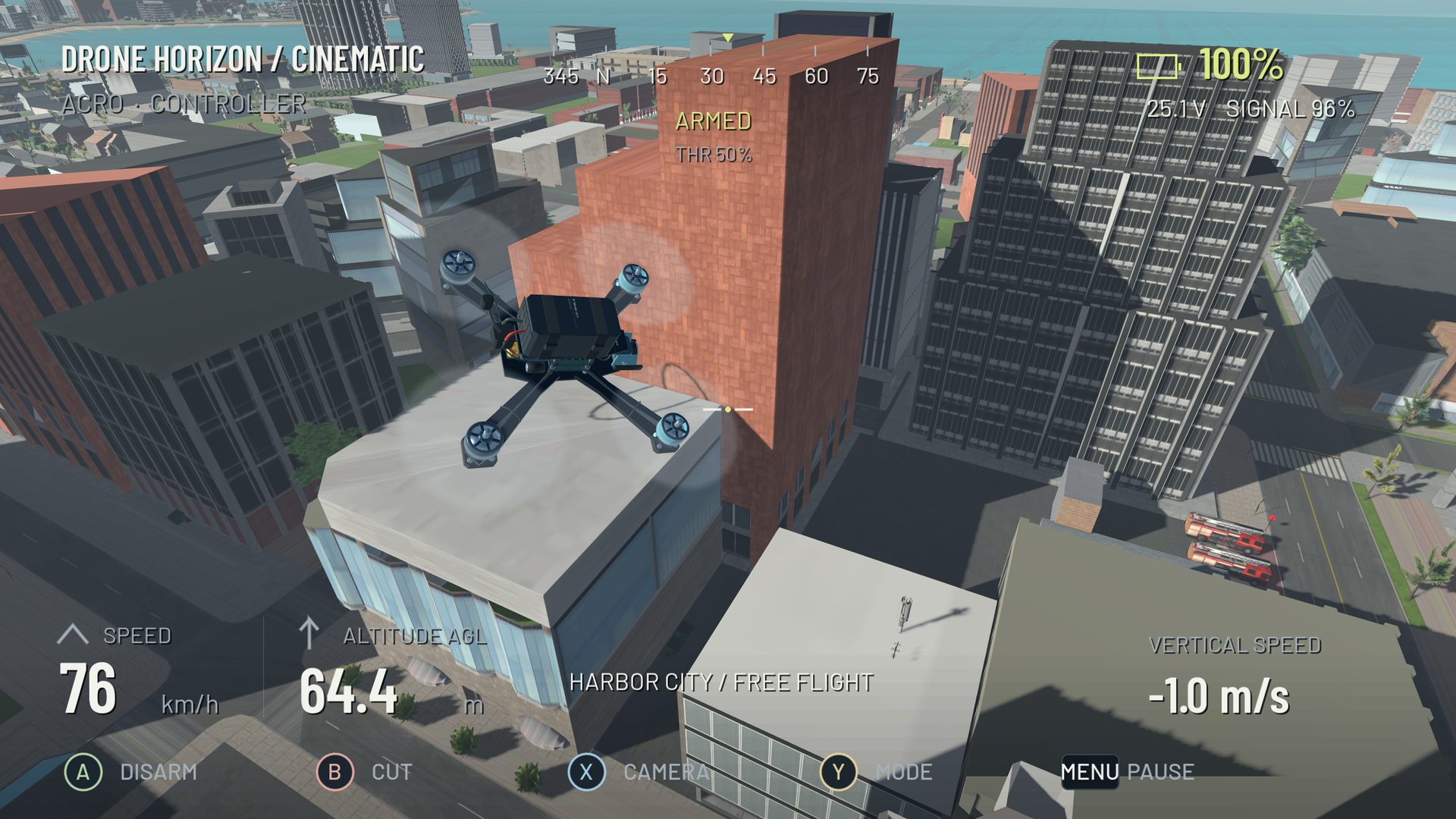
An overshoot usually begins before the aircraft misses the exit. You may enter too fast, begin redirecting momentum too late, keep adding bank or point the camera toward a route the body is not actually following. The final frantic correction is often the symptom rather than the cause.
Use one repeatable simulator corner and inspect the approach. Changing to a different course after each miss makes the pattern harder to see.
First ask what the aircraft is still doing
In Acro, centered sticks stop requesting additional rotation; they do not guarantee a level attitude or zero velocity. The drone can keep accelerating along a tilted thrust direction or continue moving after it levels.
If the camera points toward the exit while the aircraft slides past, heading and trajectory have diverged. More yaw can rotate the view farther without providing the bank and thrust needed to redirect the path. See yaw control for a simple comparison exercise.
Change the entry before the settings
Reduce entry speed and begin the turn earlier. Fly a wider line and concentrate on a calm exit. If that version becomes repeatable, add speed gradually while observing when the correction starts needing to move earlier.
This test helps separate a planning problem from a control-response problem. If the same corner is unmanageable even at a slow, deliberate pace, inspect the input mapping and aircraft response more closely.
| Pattern | First experiment |
|---|---|
| Overshoot grows mainly with speed | Earlier braking and a wider line |
| Bank keeps increasing unexpectedly | Shorter roll command and deliberate bank removal |
| View aligns but path misses | Coordinate roll/thrust instead of adding only yaw |
| Small inputs jump to large commands | Calibration, dead zone and center response |
| Correct command arrives late or unevenly | Rendering stability, filtering and input path |
Inspect the exit of the previous turn
On a race course, the difficult corner may begin with a poor exit from the preceding gate. A tight first pass can leave the aircraft moving across the second approach. Practice the pair and compare a calmer first line.
Count complete clean sequences, not only the fastest single gate crossing. Drone Horizon's timing and penalty settings make it important to compare like-for-like runs. A contact-heavy shortcut is not automatically a better line.
Distinguish wobble from deliberate alternating input
A drone that moves left-right because the pilot commands left-right needs a different fix from one oscillating after the command has settled. In Drone Horizon, input and flight telemetry can show requested and actual rates separately.
If your commands alternate rapidly, make the exercise slower and reduce correction size. If the requested signal is calm but actual response is not, inspect the selected tuning and baseline before changing multiple values. Do not copy real firmware PID numbers into a simulator with different parameter units.
Finish with a useful note
Describe the earliest identifiable cause: “entered gate two with sideways speed” is better than “turns feel wrong.” Save the current profile and keep the successful slower line as a reference. Then work on one transition at a time.
Use racing lines for course planning, rates explained for command shaping and wind and momentum when a centered-stick expectation is causing the misunderstanding. The aim is a predictable path, not a dramatic last-second rescue.