
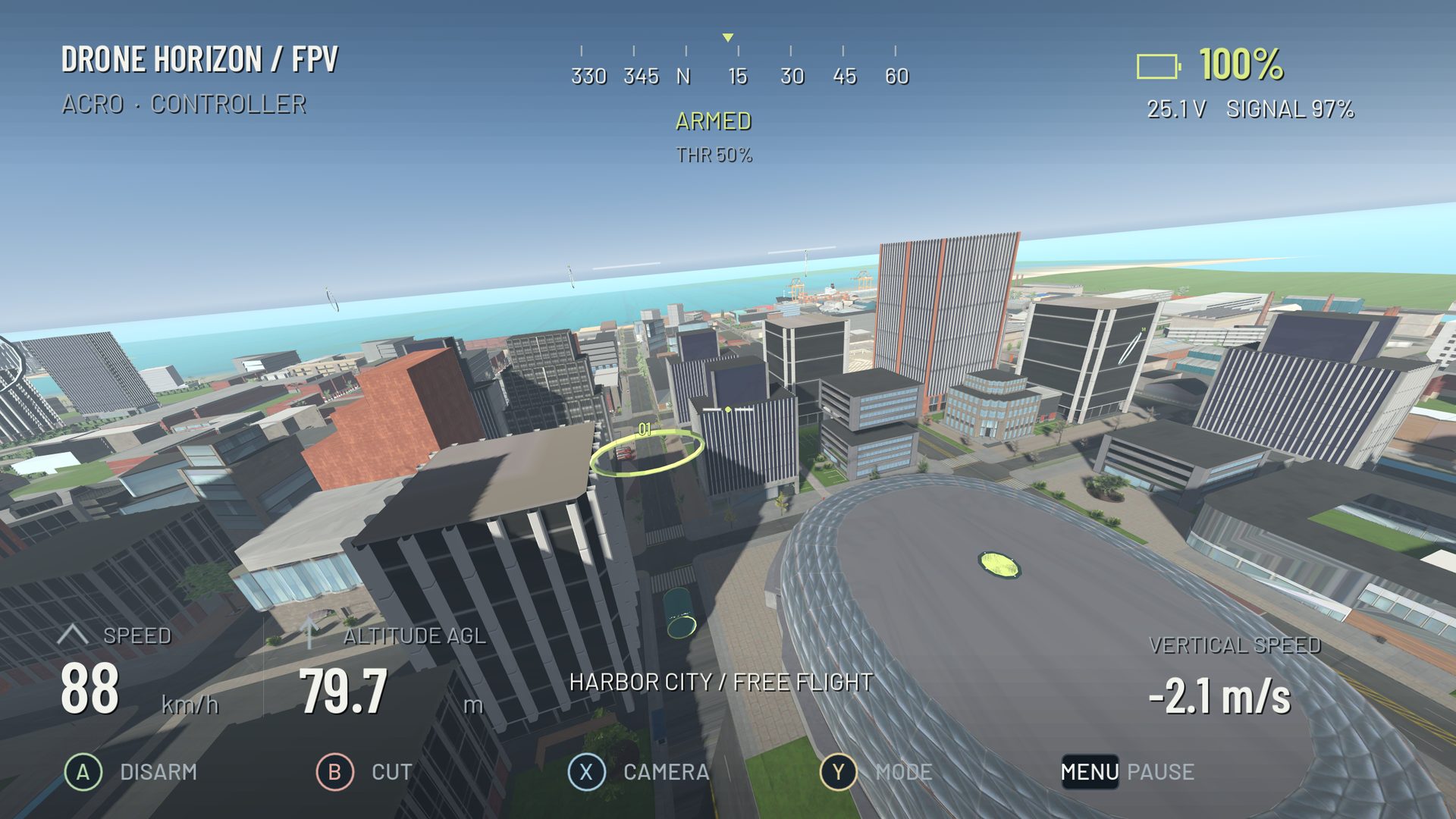
Field of view describes the angle of the world visible through the virtual camera. A wider view shows more surroundings but makes objects occupy less of the screen. A narrower view makes a distant gate larger, while reducing peripheral awareness.
The number is incomplete without its axis. A 100-degree horizontal FOV is not the same view as a 100-degree vertical FOV. Screen aspect ratio also changes the relationship between them.
Why copied FOV values can look wrong
One simulator may ask for vertical FOV while another asks for horizontal FOV. A pilot can copy the same number and get a noticeably different image. Even within one application, changing from a wide monitor to a more square display changes how much of the scene fits horizontally if vertical FOV stays fixed.
Drone Horizon exposes vertical and horizontal entry units for its FPV FOV. The conversion uses the current aspect ratio. Compare both the value and its label before concluding that the camera or physics feels different.
A numerical example
For a conventional perspective camera, horizontal FOV follows from vertical FOV and aspect ratio using the tangent of half the angle. At a 16:9 aspect ratio, a 90-degree vertical FOV corresponds to approximately 121 degrees horizontally. Those are two descriptions of the same projection, not two different levels of zoom.
You do not need to calculate this by hand during setup. The example explains why the axis label matters and why advice containing only a number is incomplete.
What changes in flight
| Wider view | Narrower view |
|---|---|
| More peripheral scene information | Larger on-screen distant targets |
| Gates appear smaller at the same distance | Less warning from objects at the edges |
| Stronger edge distortion in perspective projection | A more restricted view during large turns |
| Can alter your sense of movement | Can make heading changes feel visually larger |
Neither option changes where the gate is or how the aircraft's motors work. FOV changes your visual judgment, which can change how you fly. That distinction is important when comparing lap times or diagnosing overshooting.
Test with a single approach
Choose a straight, generous gate approach. Fly toward it at a repeatable speed without changing camera tilt. Make a note of when the opening starts feeling large enough to commit. Then change FOV slightly and repeat.
Look for whether you can judge the opening, notice its frame and anticipate the exit. A view that feels dramatic may be less useful if you react late to a small-looking gate. A tight view may improve one straight approach but make the next corner harder to read.
Keep the display setup consistent
Viewing distance and screen size affect how much of your vision the display occupies. A phone held close and a desktop monitor farther away are not the same viewing situation even if the game uses identical FOV settings. Compare comfort and task performance, rather than expecting a single universal value.
For early practice, settle on a usable projection and leave it unchanged during your training block. Tune camera tilt separately. If you later change display or orientation, repeat the gate exercise before changing flight rates. Drone Horizon's FPV feature guide explains which controls affect the view and which affect the aircraft.