
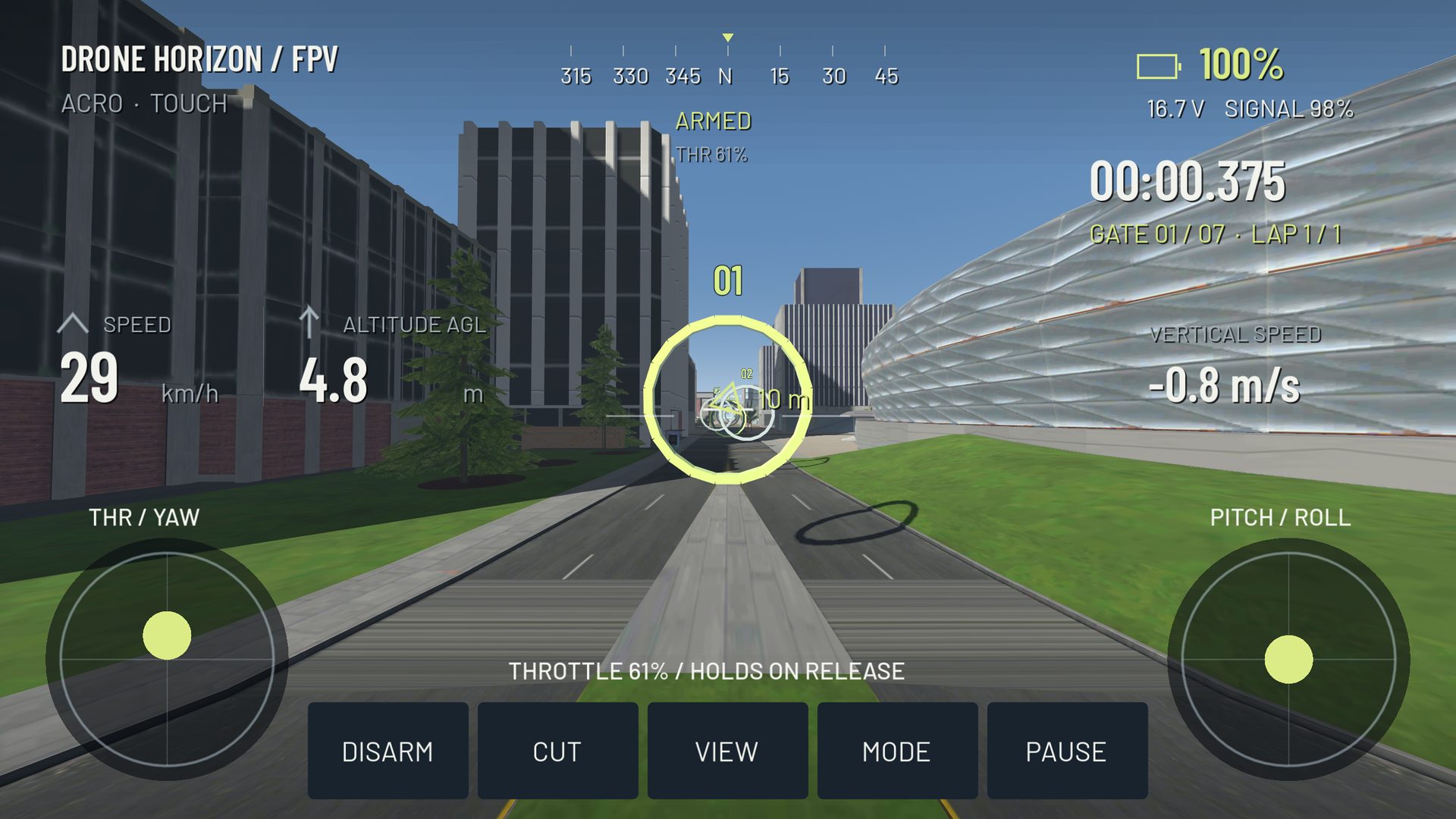
A beginner FPV routine should make the next task obvious. Start with a working input setup, then learn to control altitude and attitude in open space. Add gates only after a broad route is repeatable. A fast accidental lap is not the same skill as a calm, repeatable one.
The sequence below is a suggested simulator practice plan. It is not a validated curriculum or a promise that a certain number of sessions makes someone ready to fly a real aircraft.
Set a stable baseline
Choose one aircraft, one stick layout and one camera setup. Confirm all four channels and bind reset. Use a clear environment with generous recovery space. If you change flight mode later, keep the other settings fixed so you can identify what changed.
Write down the starting profile. This takes less time than reconstructing it after several experimental changes. If the sticks drift or an axis reverses unexpectedly, stop the training block and solve the input issue first.
Stage 1: take off and return deliberately
Practice small climbs and descents without chasing a precise hover percentage. Watch vertical movement and make changes early enough to let the aircraft respond. End each attempt with a gentle landing and a deliberate disarm.
Progress when takeoff is controlled rather than a launch followed by a rescue. If the aircraft climbs after your thumb leaves the stick, inspect the active throttle behavior. Manual collective, spring-centered hardware and stabilized vertical control are different cases.
Stage 2: establish and remove attitude
In a clear area, make one shallow pitch change and recover. Repeat on roll. In Acro, practice the opposite input needed to return toward level; centered sticks do not automatically level the body. Use Angle vs Acro to understand the distinction before adding a route.
Keep the exercise small enough that recovery is routine. Large flips add excitement but make it harder to see whether you understand ordinary bank control.
Stage 3: fly a repeatable rectangle
Use four distant landmarks as corners. Fly clockwise and counterclockwise with similar speed and height. Watch the exit of every corner. A useful pass reaches the next straight without a sudden pitch, roll or throttle correction.
| Stage | Progress sign | Reason to repeat |
|---|---|---|
| Takeoff/landing | Controlled vertical movement | Repeated large throttle rescue |
| Attitude | Deliberate bank and leveling | Continued rotation after the intended bank |
| Rectangle | Predictable corner exits both ways | One turn direction consistently collapses |
| Gates | Clean approach and usable exit | Last-second corrections inside the opening |
Stage 4: add a generous gate pair
Start with two gates and a clear connection between them. Practice the first exit as the second entry. Count clean sequences rather than isolated lucky passes. Add another gate only when you can repeat the pair without resetting most attempts.
If precision deteriorates, reduce speed before changing the course or rates. The gate guide explains why looking beyond the frame matters.
Use Drone Horizon's Flight School appropriately
The current game includes seven guided stages covering arming, takeoff, yaw, pitch/roll, camera change, two training gates and a return landing. It is available on suitable offline maps; maps that disable training gates are not interchangeable training locations.
Use the guided sequence to understand the interface, then repeat the exercises independently. Finish a session with one sentence: what became more repeatable, and what will you practice next? The 30-minute routine turns that approach into a compact practice block.